What Is Kubernetes Pod Autoscaling and How Does It Enable Cloud Elasticity in GKE?
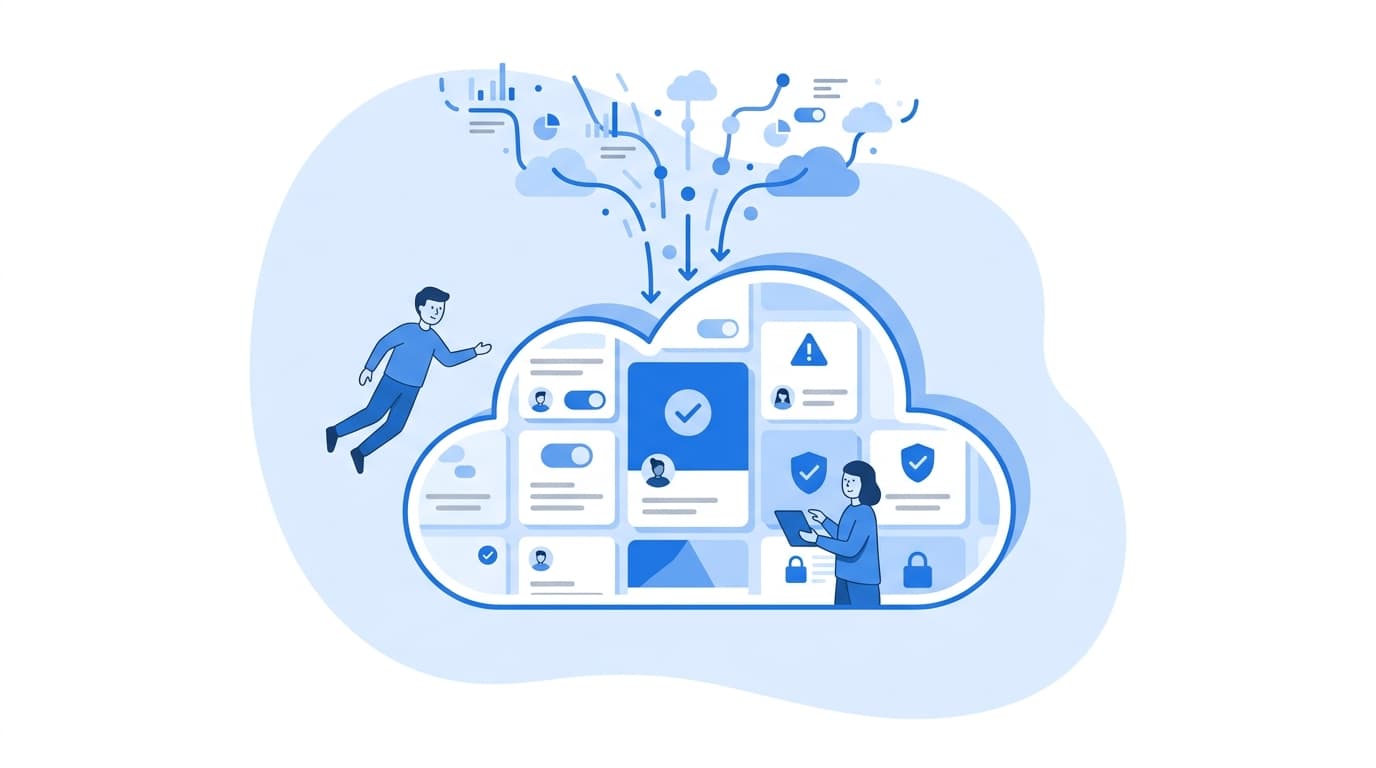
Kubernetes pod autoscaling is the set of mechanisms that automatically change how many pods run, or how much CPU and memory each pod gets, based on observed demand. In Google Kubernetes Engine (GKE), pod autoscaling works together with node-level autoscaling. The Horizontal Pod Autoscaler (HPA) adds or removes replicas, the Vertical Pod Autoscaler (VPA) right-sizes resource requests, and the cluster autoscaler adds or removes the nodes those pods run on. Together they provide cloud elasticity: capacity that follows load in both directions, so you are not paying for idle headroom or dropping requests during a spike.
That is the short answer. The rest of this post covers how each layer actually makes decisions, where teams usually get it wrong, and what we check before trusting autoscaling with production traffic.
The Problem Kubernetes Pod Autoscaling Solves
Most teams start with a static replica count. Someone picks a number during a load test, adds a safety margin, and commits it to a Deployment manifest. This creates two failure modes:
- Over-provisioning: the margin sized for peak traffic sits idle most of the day, and you pay for it.
- Under-provisioning: traffic grows past the guess, latency climbs, and someone gets paged to edit
replicas:by hand.
Elasticity removes the guess. Instead of choosing a replica count, you declare a target condition, such as "keep average CPU utilization near 60%" or "keep queue backlog per worker under 30 messages." A controller then continuously reconciles toward that target.
How the Horizontal Pod Autoscaler Works
The HPA is the most widely used form of Kubernetes scaling. It runs as a control loop inside the Kubernetes controller manager. By default, it evaluates metrics every 15 seconds (Kubernetes documentation).
The core calculation
The documented algorithm is a ratio:
desiredReplicas = ceil( currentReplicas × currentMetricValue / desiredMetricValue )
Suppose you run 4 replicas at 90% average CPU against a 60% target. The HPA computes ceil(4 × 90 / 60) = 6. The controller also applies a default tolerance of 0.1, which means it skips scaling when the ratio is within 10% of 1.0. That tolerance prevents constant small adjustments.
Utilization is relative to requests
A common source of confusion: CPU and memory utilization are calculated as a percentage of the pod's resource requests, not of node capacity or limits. If a container has no CPU request, a utilization-based HPA cannot compute a value for it. If requests are set far too high, utilization looks low and the HPA never scales out. Accurate requests come before working autoscaling.
A production-shaped HPA manifest
Here is an autoscaling/v2 HPA for a web API. It includes explicit scaling behavior:
apiVersion: autoscaling/v2
kind: HorizontalPodAutoscaler
metadata:
  name: orders-api
spec:
  scaleTargetRef:
    apiVersion: apps/v1
    kind: Deployment
    name: orders-api
  minReplicas: 3
  maxReplicas: 30
  metrics:
    - type: Resource
      resource:
        name: cpu
        target:
          type: Utilization
          averageUtilization: 60
  behavior:
    scaleUp:
      stabilizationWindowSeconds: 0
      policies:
        - type: Percent
          value: 100
          periodSeconds: 30
    scaleDown:
      stabilizationWindowSeconds: 300
      policies:
        - type: Pods
          value: 2
          periodSeconds: 60
We tune the behavior block more than any other part of this manifest. The scale-down stabilization window defaults to 300 seconds. During that window, the controller uses the highest recommendation it has seen, which dampens flapping when load oscillates. Our usual pattern is scale up aggressively and scale down conservatively. The cost of a few extra minutes of capacity is almost always lower than the cost of a latency spike.
Scaling on the right signal
CPU is a reasonable default for stateless, compute-bound services, but it is often a lagging or misleading signal. Consider:
- Queue consumers: scale on backlog, not CPU. A worker blocked on I/O can sit at low CPU while the queue grows.
- Latency-sensitive APIs: requests per second per pod usually tracks user-facing load more directly than CPU.
- Memory-bound services: memory-based HPA can work, but many runtimes do not release memory promptly, so scale-down may stall.
On GKE, custom and external metrics are exposed to the HPA through a metrics adapter, such as the Custom Metrics Stackdriver Adapter, which reads from Cloud Monitoring (GKE documentation). Here is an example that scales a Pub/Sub consumer on undelivered messages:
  metrics:
    - type: External
      external:
        metric:
          name: pubsub.googleapis.com|subscription|num_undelivered_messages
          selector:
            matchLabels:
              resource.labels.subscription_id: orders-sub
        target:
          type: AverageValue
          averageValue: "30"
Event-driven tools such as KEDA offer another path. They are particularly useful when you want to scale to zero, which the standard HPA does not do by default.
Vertical Pod Autoscaling: Getting Requests Right
The HPA changes how many pods you run. The Vertical Pod Autoscaler changes how big each pod is. It observes historical usage and recommends, or applies, CPU and memory requests (GKE VPA documentation).
On GKE Standard clusters, you enable it at the cluster level:
gcloud container clusters update my-cluster \
  --enable-vertical-pod-autoscaling \
  --region us-central1
Then start in recommendation-only mode:
apiVersion: autoscaling.k8s.io/v1
kind: VerticalPodAutoscaler
metadata:
  name: orders-api-vpa
spec:
  targetRef:
    apiVersion: apps/v1
    kind: Deployment
    name: orders-api
  updatePolicy:
    updateMode: "Off"
With updateMode: "Off", the VPA publishes recommendations without restarting pods. We treat this as a sizing tool. Read the recommendations with kubectl describe vpa orders-api-vpa, compare them to current requests, and adjust manifests deliberately.
An important caution: do not let the HPA and VPA both act on CPU or memory for the same workload. They will fight. When VPA raises requests, utilization drops, and the HPA scales in. When VPA lowers requests, the reverse happens. If you need both, let the HPA scale on a custom or external metric and let the VPA manage resource requests.
Node-Level Elasticity in GKE
Pod autoscaling alone cannot create elasticity if there is nowhere to schedule new pods. When the HPA adds replicas that do not fit on existing nodes, those pods enter a Pending state. GKE's cluster autoscaler watches for unschedulable pods and adds nodes to the relevant node pool. It also removes underutilized nodes when their pods can be safely rescheduled elsewhere (GKE cluster autoscaler documentation).
gcloud container node-pools update default-pool \
  --cluster my-cluster \
  --enable-autoscaling \
  --min-nodes 1 --max-nodes 10 \
  --region us-central1
A few related GKE options are worth knowing:
- Node auto-provisioning creates new node pools with appropriate machine shapes for pending workloads, instead of only resizing existing pools.
- Autopilot mode removes node management entirely. You declare pod resource requests, and GKE provisions capacity to fit them. Pod autoscaling still applies, but node scaling becomes Google's responsibility.
- Autoscaling profiles let Standard clusters favor faster scale-down for cost, or a more conservative approach for availability.
Where GKE Autoscaling Goes Wrong in Practice
These are the issues we see most often when reviewing autoscaling setups:
- Slow pod startup. If a new pod takes two minutes to pull its image and warm up, the HPA reacts quickly but capacity arrives late. Smaller images, GKE image streaming, and well-tuned readiness probes all help.
- Missing PodDisruptionBudgets. Without them, node scale-down can evict too many replicas of a service at once.
- Unrealistic
maxReplicas. A ceiling that is too low silently caps elasticity. A ceiling that is too high can overwhelm a downstream database during a traffic event. - Ignoring downstream limits. Scaling the API tier from 5 to 50 pods multiplies database connections by ten. Connection pooling and backpressure have to scale with it.
- No load testing of the scaling path itself. Teams load-test steady state but rarely test the transition from low to high load, which is where autoscaling behavior actually shows up.
If you are evaluating how these patterns fit a broader platform engineering effort, our cloud and infrastructure capabilities overview describes how we approach this work. Our industry pages cover how elasticity requirements differ across regulated and high-traffic sectors.
A Practical Starting Sequence
When we bring autoscaling to an existing GKE workload, we follow roughly this order:
- Set resource requests for every container, using VPA recommendations in
Offmode as input. - Add an HPA on the most representative metric, with conservative scale-down behavior.
- Enable the cluster autoscaler or node auto-provisioning, with sensible node pool bounds.
- Add PodDisruptionBudgets for every service that needs to stay available.
- Load-test the ramp, not only the plateau, and watch
kubectl get hpa -walongside latency dashboards. - Review monthly. Traffic shapes change, and targets that were right last quarter may not be right now.
Elasticity is less about any single controller than about these layers agreeing with each other. When requests are accurate, metrics reflect real demand, and nodes can arrive in time, GKE autoscaling does what the term promises.
FAQ
What is the difference between HPA and VPA in Kubernetes?
The Horizontal Pod Autoscaler changes the number of pod replicas based on metrics such as CPU utilization or queue depth. The Vertical Pod Autoscaler changes the CPU and memory requests of individual pods based on observed usage. HPA handles fluctuating load. VPA handles sizing accuracy.
Does Kubernetes pod autoscaling work without the cluster autoscaler in GKE?
Yes, but only within existing node capacity. If the HPA creates pods that do not fit on current nodes, they remain Pending until capacity is added. For real elasticity on GKE Standard, enable the cluster autoscaler or node auto-provisioning. On Autopilot, node capacity is managed for you.
Why is my HPA not scaling even though the service is under load?
The most common causes are missing resource requests, requests set so high that utilization appears low, a metrics adapter that is not returning values, or maxReplicas already reached. Run kubectl describe hpa <name> to see the current metric values and any error conditions the controller reports.
Can the Horizontal Pod Autoscaler scale to zero?
Not by default. The standard HPA requires minReplicas of at least 1 unless an alpha feature gate is enabled. Event-driven tools such as KEDA are commonly used when workloads need to scale to zero during idle periods.
Should I scale on CPU or on custom metrics?
Use CPU for stateless, compute-bound services where CPU tracks demand closely. Use custom or external metrics, such as requests per second or queue backlog, when CPU lags behind real load or does not reflect it. This is common for I/O-bound services and asynchronous workers.