A Step-by-Step Guide to Implementing FinOps with Terraform for Cloud Cost Cuts
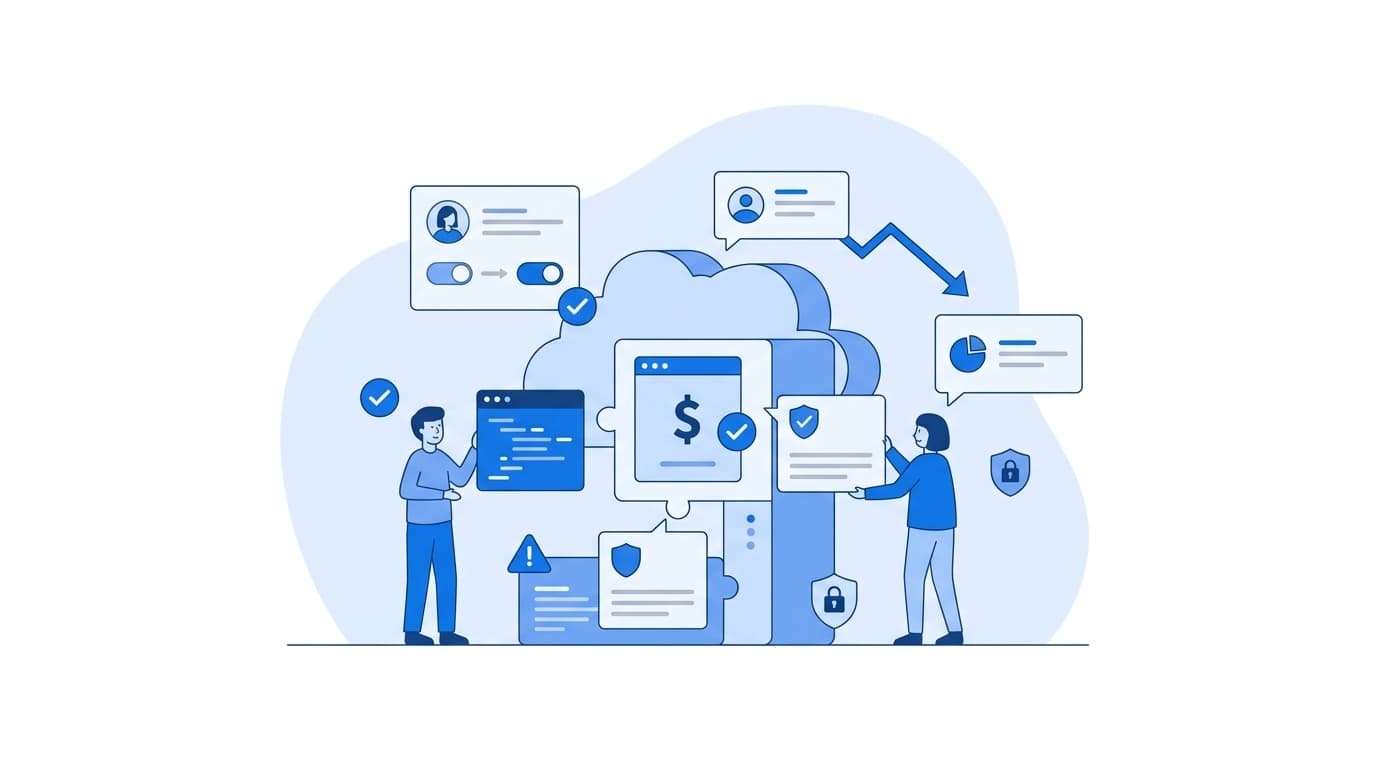
Implementing Terraform FinOps means encoding your cost rules directly into infrastructure code, so every resource is tagged, priced, and policy-checked before it reaches production. In practice there are six steps: enforce cost-allocation tags with provider defaults, block untagged or oversized resources with policy-as-code, surface cost estimates in every pull request, provision budgets and anomaly alerts as code, bake efficient defaults into shared modules, and review the results on a regular cadence. The rest of this guide covers each step with working Terraform for AWS.
Why Cost Control Belongs in the Pipeline
Most teams find out about a cost problem from the monthly bill, weeks after the change that caused it. By then the engineer who added the oversized database has moved on to other work, and the cost is hard to trace back to a decision.
The FinOps Foundation framework describes three iterative phases: Inform, Optimize, and Operate. If your infrastructure is already defined in Terraform, every phase has a natural place to live: the provider config, the CI pipeline, and your module library. We have found that cost discipline sticks when it shows up at review time, when changing course is cheap, rather than in a finance report afterward.
Step 1: Make Every Resource Attributable with Tags
You can't cut what you can't attribute. Tagging is the foundation of the Inform phase.
Use provider-level default_tags
The AWS provider supports default_tags (see the Terraform AWS provider docs). These tags are applied to every taggable resource the provider creates, so individual engineers don't have to remember them.
variable "cost_center" {
  type        = string
  description = "Finance cost center code"

  validation {
    condition     = can(regex("^CC-[0-9]{4}$", var.cost_center))
    error_message = "cost_center must match the format CC-1234."
  }
}

variable "environment" {
  type = string
  validation {
    condition     = contains(["dev", "staging", "prod"], var.environment)
    error_message = "environment must be dev, staging, or prod."
  }
}

provider "aws" {
  region = "us-east-1"

  default_tags {
    tags = {
      cost-center = var.cost_center
      environment = var.environment
      owner       = var.owner
      managed-by  = "terraform"
    }
  }
}
Activate the tags for billing
Tags don't show up in AWS Cost Explorer until they are activated as cost allocation tags. You can manage that in Terraform as well:
resource "aws_ce_cost_allocation_tag" "this" {
  for_each = toset(["cost-center", "environment", "owner"])
  tag_key  = each.value
  status   = "Active"
}
Note: A tag key has to exist on at least one resource before AWS will let you activate it, and activation is not retroactive. Do this early.
Step 2: Enforce Cost Policy as Code
Provider defaults cover most cases. They don't stop someone from overriding a tag with an empty value, and they don't stop someone from launching a p4d.24xlarge in a dev account. A policy check against the plan output closes that gap.
The workflow:
- Run
terraform plan -out=tfplan - Convert it with
terraform show -json tfplan > plan.json - Evaluate it with Conftest (built on Open Policy Agent)
Require tags on everything taggable
package main

import rego.v1

required_tags := {"cost-center", "environment", "owner"}

deny contains msg if {
  rc := input.resource_changes[_]
  rc.mode == "managed"
  some action in rc.change.actions
  action in {"create", "update"}
  tags := rc.change.after.tags_all
  present := {k | tags[k]}
  missing := required_tags - present
  count(missing) > 0
  msg := sprintf("%s is missing required tags: %v", [rc.address, missing])
}
Restrict instance families by environment
allowed_dev_types := {"t3.micro", "t3.small", "t3.medium", "t4g.small", "t4g.medium"}

deny contains msg if {
  rc := input.resource_changes[_]
  rc.type == "aws_instance"
  rc.change.after.tags_all.environment == "dev"
  not rc.change.after.instance_type in allowed_dev_types
  msg := sprintf("%s uses %s, which is not approved for dev",
    [rc.address, rc.change.after.instance_type])
}
Teams on HCP Terraform or Terraform Enterprise can write equivalent rules in Sentinel. Whichever engine you choose, start in advisory mode: report violations without failing the build for a sprint or two. Once the false positives are fixed, switch to blocking.
Step 3: Show the Cost of Every Change in Pull Requests
This is the step that changes behavior the most. When a reviewer sees "this PR adds roughly $X per month" next to the diff, cost becomes part of the design conversation.
Infracost reads Terraform code and estimates monthly cost from public cloud pricing. A minimal GitHub Actions job:
name: infracost
on: [pull_request]

jobs:
  cost:
    runs-on: ubuntu-latest
    permissions:
      contents: read
      pull-requests: write
    steps:
      - uses: actions/checkout@v4
        with:
          ref: ${{ github.event.pull_request.base.ref }}

      - uses: infracost/actions/setup@v3
        with:
          api-key: ${{ secrets.INFRACOST_API_KEY }}

      - name: Baseline cost
        run: infracost breakdown --path=. --format=json --out-file=/tmp/base.json

      - uses: actions/checkout@v4

      - name: Diff against baseline
        run: infracost diff --path=. --compare-to=/tmp/base.json --format=json --out-file=/tmp/diff.json

      - name: Comment on PR
        run: |
          infracost comment github --path=/tmp/diff.json \
            --repo=$GITHUB_REPOSITORY \
            --github-token=${{ github.token }} \
            --pull-request=${{ github.event.pull_request.number }} \
            --behavior=update
A few practical notes:
- Usage-based services such as data transfer, Lambda invocations, and S3 requests need an
infracost-usage.ymlfile. Without it the estimate shows them as unknown. - Estimates are not invoices. They leave out negotiated discounts, Savings Plans, and Reserved Instances. Treat them as a signal of direction and size.
- You can combine Infracost's JSON output with Conftest to fail PRs over a threshold that your team agrees on.
Step 4: Provision Budgets and Anomaly Alerts as Code
Guardrails catch what review misses. Define them next to the infrastructure they protect so that new accounts and workloads get them by default.
Budgets with forecast alerts
resource "aws_budgets_budget" "workload" {
  name         = "${var.workload}-${var.environment}-monthly"
  budget_type  = "COST"
  limit_amount = var.monthly_budget_usd
  limit_unit   = "USD"
  time_unit    = "MONTHLY"

  cost_filter {
    name   = "TagKeyValue"
    values = ["user:cost-center$${var.cost_center}"]
  }

  notification {
    comparison_operator        = "GREATER_THAN"
    threshold                  = 80
    threshold_type             = "PERCENTAGE"
    notification_type          = "FORECASTED"
    subscriber_email_addresses = var.budget_alert_emails
  }
}
Alerting on the forecasted amount gives owners time to act before the month closes, rather than after the money is spent.
Anomaly detection
AWS Cost Anomaly Detection flags unusual spend patterns. It is also Terraform-managed:
resource "aws_ce_anomaly_monitor" "services" {
  name              = "service-monitor"
  monitor_type      = "DIMENSIONAL"
  monitor_dimension = "SERVICE"
}

resource "aws_ce_anomaly_subscription" "daily" {
  name             = "daily-anomaly-digest"
  frequency        = "DAILY"
  monitor_arn_list = [aws_ce_anomaly_monitor.services.arn]

  subscriber {
    type    = "EMAIL"
    address = var.finops_email
  }

  threshold_expression {
    dimension {
      key           = "ANOMALY_TOTAL_IMPACT_ABSOLUTE"
      match_options = ["GREATER_THAN_OR_EQUAL"]
      values        = [var.anomaly_threshold_usd]
    }
  }
}
Step 5: Bake Efficient Defaults into Shared Modules
This is where most of the lasting cost cuts come from. If your internal modules default to sensible choices, every team that consumes them benefits without having to think about it.
Size by environment, not by guesswork
locals {
  sizing = {
    dev     = { instance_type = "t4g.small",  min = 1, max = 2 }
    staging = { instance_type = "t4g.medium", min = 1, max = 3 }
    prod    = { instance_type = "m7g.large",  min = 3, max = 12 }
  }
  size = local.sizing[var.environment]
}
AWS markets its Graviton (arm64) instances as offering better price performance for many workloads. Check that your container images and dependencies support arm64, and benchmark your own workload before you make it the default.
Turn off non-production outside working hours
resource "aws_autoscaling_schedule" "scale_down" {
  count                  = var.environment == "prod" ? 0 : 1
  scheduled_action_name  = "nightly-scale-down"
  autoscaling_group_name = aws_autoscaling_group.app.name
  min_size               = 0
  max_size               = 0
  desired_capacity       = 0
  recurrence             = "0 19 * * MON-FRI"
  time_zone              = "America/New_York"
}
Pair this with a matching scale-up schedule for the start of the working day.
Choose cheaper storage defaults
- Default EBS volumes to
gp3. AWS documents that gp3 lets you provision IOPS and throughput separately from capacity (EBS volume types). - Attach S3 lifecycle rules by default:
resource "aws_s3_bucket_lifecycle_configuration" "logs" {
  bucket = aws_s3_bucket.logs.id

  rule {
    id     = "tier-and-expire"
    status = "Enabled"
    filter {}

    transition {
      days          = 30
      storage_class = "STANDARD_IA"
    }

    expiration {
      days = var.log_retention_days
    }
  }
}
Step 6: Operate the Terraform FinOps Loop
The Operate phase is about cadence, not tooling. Here is what we recommend:
- Monthly review per cost center. Compare actual spend, broken down by your activated tags, against the budgets from Step 4.
- Drift detection. Run
terraform plan -detailed-exitcodeon a schedule. Resources changed in the console bypass every guardrail above. - Feed findings back into modules. If AWS Compute Optimizer keeps flagging a service as over-provisioned, update the sizing map instead of patching single instances.
- Track commitment coverage separately. Savings Plans and Reserved Instances are purchasing decisions. They complement IaC controls but don't belong in Terraform plans.
If you're building this across many accounts or in a regulated environment, it can help to bring in teams that have already done it. You can read about our cloud and platform engineering capabilities and how we approach cost governance across different industries.
FAQ
What is Terraform FinOps?
Terraform FinOps is the practice of applying FinOps principles (cost visibility, optimization, and accountability) through infrastructure-as-code. Tagging, policy checks, cost estimates, budgets, and efficient defaults are defined in Terraform and enforced in CI, not managed by hand.
Does Infracost replace AWS Cost Explorer?
No. Infracost estimates the cost of proposed changes before you deploy them. Cost Explorer reports what you actually spent, including discounts. You need both: one for prevention, one for verification.
How do we handle resources that don't support tags?
Some resources can't be tagged. The Conftest rule above only checks resources that expose tags_all, so untaggable resources are skipped. Attribute their cost through account structure, such as one AWS account per workload or environment, using AWS Organizations.
Should cost policies block deployments?
Eventually, for clear violations like missing tags or prohibited instance types. Start in advisory mode, fix the false positives, and then enforce. Cost-threshold policies usually work better as a required approval than as a hard block.
Can this approach work for Azure or Google Cloud?
Yes. The azurerm and google providers have their own labeling and budgeting resources. Infracost supports both clouds, and OPA policies work against any Terraform plan JSON. The resource names change, but the six steps stay the same.