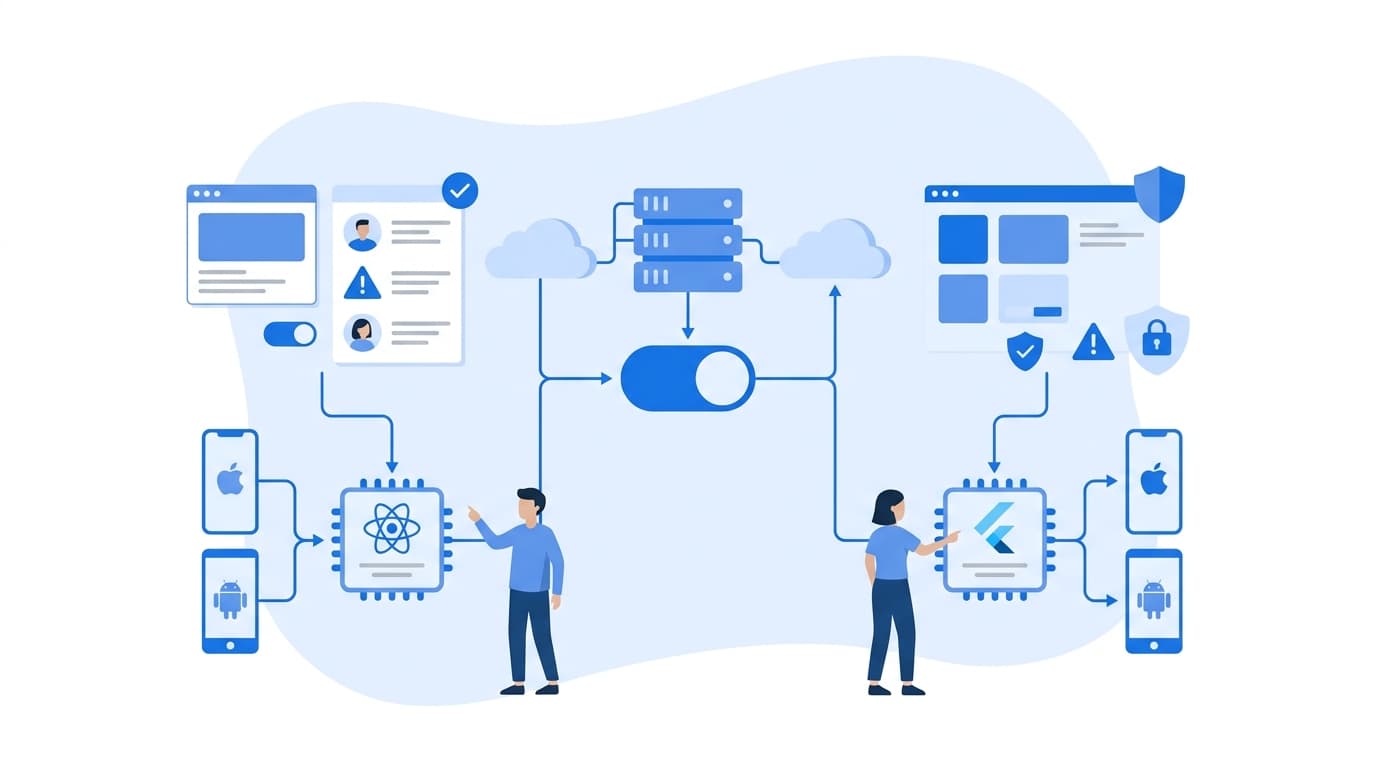
How to Build a Scalable Mobile App with React Native and a Node.js Backend
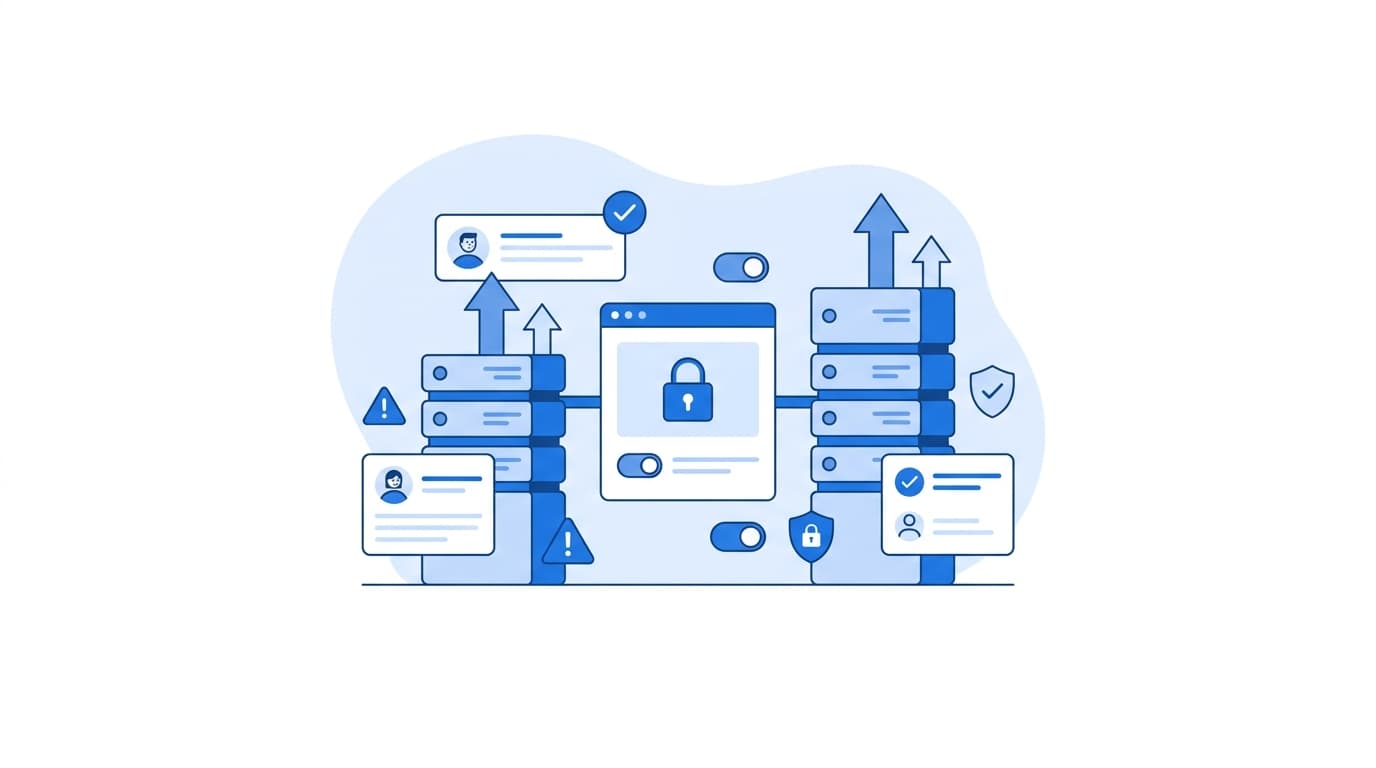
The way to build a scalable mobile app with React Native Node.js is to treat it as two independently scalable systems joined by a strict API contract. The React Native client should own presentation and cached server state. The Node.js backend should be stateless, horizontally scalable, and backed by a properly indexed database, a cache, and a job queue for slow work. Get those boundaries right early, add observability before you need it, and the stack will grow from your first thousand users to far more without a rewrite.
Below, we walk through the architecture and the concrete decisions we make at each layer, with code you can adapt.
What "Scalable" Means for a React Native Node.js Stack
Teams often equate scalability with "handles more traffic." In practice, a scalable mobile app architecture has to absorb four kinds of growth:
- Load: more concurrent users and requests.
- Data: larger tables, heavier queries, more media.
- Team size: more engineers shipping to the same codebase without stepping on each other.
- Release cadence: faster, safer deploys on both the app stores and the backend.
A design that handles load but collapses when a second team joins is not scalable. Keep all four in mind as you read the steps below.
A Reference Mobile App Architecture
Here is the baseline shape we recommend for most full-stack app dev projects on this stack:
[React Native app]
      │  HTTPS (REST or GraphQL, versioned)
      ▼
[CDN / API gateway / load balancer]
      │
      ▼
[Node.js API instances (stateless, N replicas)]
      │            │              │
      ▼            ▼              ▼
 [PostgreSQL]   [Redis cache]  [Job queue] ──► [Worker processes]
                                                  (push, email, media)
Every box on the backend can scale independently. The API tier scales horizontally, workers scale with queue depth, and the database scales vertically first, then with read replicas.
Step 1: Structure the React Native Client for Growth
Start with a framework
The React Native documentation recommends starting new apps with a framework, and Expo is the one it highlights. You get routing, a managed native build pipeline, and over-the-air (OTA) update support without maintaining that tooling yourself. Recent React Native versions also enable the New Architecture and the Hermes engine by default, so build on them rather than around them.
Separate server state from client state
The most common source of client-side complexity is pushing API responses into a global store and then hand-managing staleness. We keep server state in a dedicated cache library such as TanStack Query and reserve a lightweight store for genuine UI state like theme or onboarding progress.
// hooks/useOrders.ts
import { useInfiniteQuery } from '@tanstack/react-query';
import { api } from '../api/client';

export function useOrders() {
  return useInfiniteQuery({
    queryKey: ['orders'],
    queryFn: ({ pageParam }) => api.listOrders({ cursor: pageParam, limit: 20 }),
    initialPageParam: undefined as string | undefined,
    getNextPageParam: (lastPage) => lastPage.nextCursor ?? undefined,
    staleTime: 30_000,
  });
}
This gives you caching, background refetching, retry, and pagination with very little code, and it reduces redundant calls to your backend.
Organize by feature, not by file type
As the team grows, a screens/, components/, reducers/ layout becomes a merge-conflict generator. Group code by feature (features/orders, features/auth) so teams can own vertical slices end to end.
Step 2: Design the API Contract First
Your React Native backend contract is the seam between two release cycles. Mobile users do not all update at once, so old app versions will call your API for months. Plan for that:
- Define the contract in OpenAPI (or a GraphQL schema) and generate a typed client for the app. Drift between client and server becomes a compile error instead of a production bug.
- Version deliberately. Additive changes (new optional fields) are safe. Removing or renaming fields requires a new version or a deprecation window.
- Use cursor pagination, not offsets. Offset pagination gets slower as tables grow and produces duplicate or skipped rows when data changes mid-scroll.
-- Keyset (cursor) pagination: uses an index on (user_id, created_at, id)
SELECT id, created_at, title
FROM orders
WHERE user_id = $1
  AND (created_at, id) < ($2, $3)
ORDER BY created_at DESC, id DESC
LIMIT $4;
- Support idempotency keys on write endpoints. Mobile networks drop connections, and clients retry. An
Idempotency-Keyheader stored server-side prevents a retried "place order" request from creating two orders.
Step 3: Build a Stateless Node.js Backend
Node.js handles many concurrent I/O-bound requests well because of its event loop model. It handles CPU-heavy work poorly on the main thread. Two rules follow:
- Keep request handlers I/O-bound. Push CPU-heavy work (image processing, report generation) to workers or
worker_threads. - Keep instances stateless. No in-memory sessions, no local file uploads. State lives in the database, Redis, or object storage, so any instance can serve any request. This is the core of the Twelve-Factor App guidance on processes.
Here is a minimal production-minded skeleton using Fastify:
// server.ts
import Fastify from 'fastify';
import { Pool } from 'pg';

const pool = new Pool({ connectionString: process.env.DATABASE_URL, max: 10 });
const app = Fastify({ logger: true });

app.get('/healthz', async () => ({ status: 'ok' }));

app.get('/readyz', async (_req, reply) => {
  try {
    await pool.query('SELECT 1');
    return { status: 'ready' };
  } catch {
    return reply.code(503).send({ status: 'not ready' });
  }
});

const shutdown = async (signal: string) => {
  app.log.info({ signal }, 'shutting down');
  await app.close();   // stop accepting new requests, finish in-flight ones
  await pool.end();    // release DB connections
  process.exit(0);
};

process.on('SIGTERM', () => void shutdown('SIGTERM'));
process.on('SIGINT', () => void shutdown('SIGINT'));

await app.listen({ port: Number(process.env.PORT ?? 3000), host: '0.0.0.0' });
The health and readiness endpoints let your orchestrator route traffic correctly, and graceful shutdown means deploys and autoscaling events do not drop in-flight requests from mobile clients.
Step 4: Scale the Data Layer
In our experience, the database becomes the bottleneck well before Node.js does. Address it in this order:
- Index for your actual queries. Use
EXPLAIN ANALYZEin PostgreSQL to confirm queries hit indexes. The cursor query above needs a composite index matching itsWHEREandORDER BY. - Pool connections carefully. Each API replica opens its own pool. Ten replicas with
max: 10means up to 100 connections. Size pools against your database's connection limit, and consider a pooler such as PgBouncer as replica counts grow. - Cache hot, read-heavy data in Redis with explicit TTLs and clear invalidation rules. Cache what is expensive and frequently read, not everything.
- Add read replicas once read traffic dominates, routing reporting and feed queries there while writes stay on the primary.
Step 5: Move Slow Work Off the Request Path
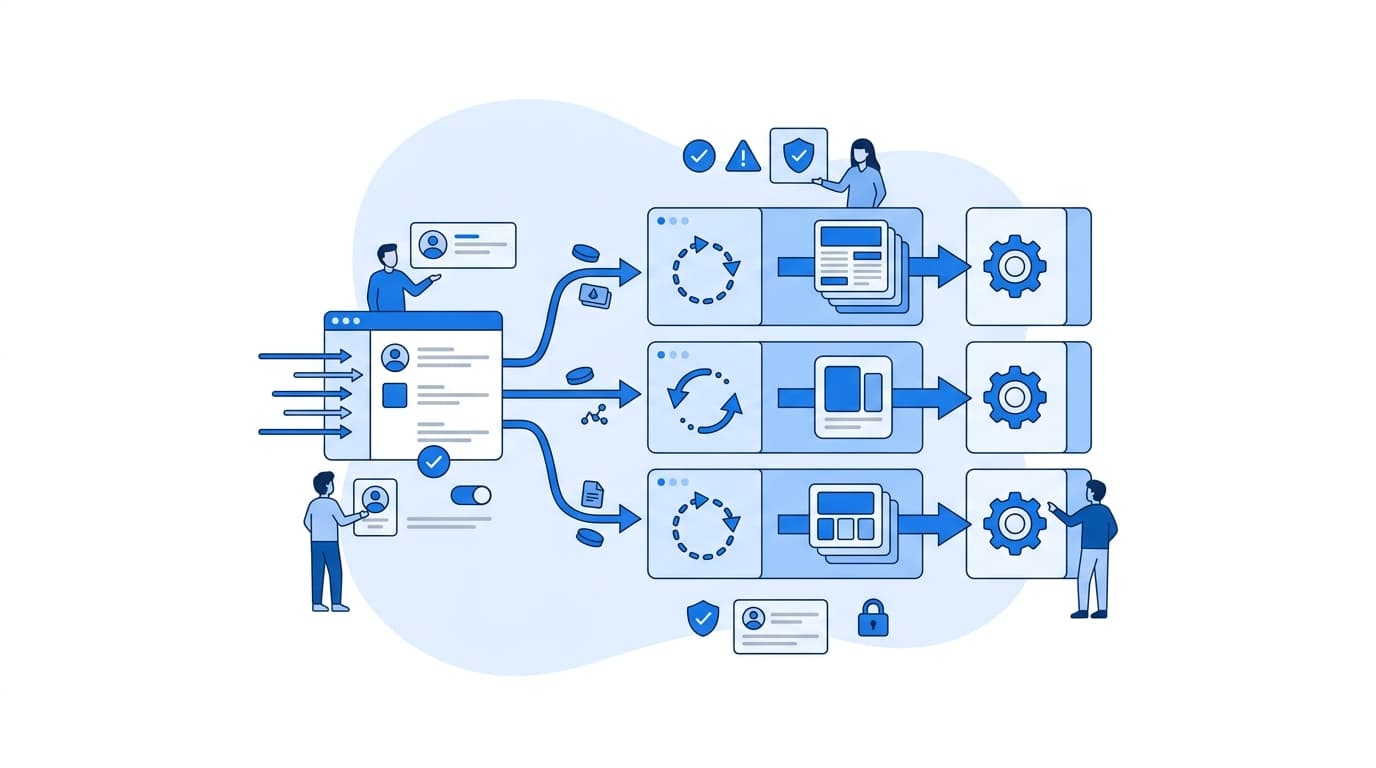
A user tapping "Confirm" should not wait for a push notification, a receipt email, and an analytics write. Enqueue that work and respond immediately.
// queue.ts
import { Queue, Worker } from 'bullmq';

const connection = { host: process.env.REDIS_HOST, port: 6379 };
export const notifications = new Queue('notifications', { connection });

// In the request handler:
await notifications.add(
  'order-confirmed',
  { orderId },
  { attempts: 5, backoff: { type: 'exponential', delay: 1000 } }
);

// In a separate worker process:
new Worker(
  'notifications',
  async (job) => {
    await sendPush(job.data.orderId);
  },
  { connection, concurrency: 10 }
);
Workers run as their own deployment, so you can scale them on queue depth without touching the API tier. Make job handlers idempotent, because retries will happen.
Step 6: Get Authentication and Security Right
- Use short-lived access tokens with refresh tokens, and rotate refresh tokens on use.
- Store tokens in secure storage such as
expo-secure-storeor the platform Keychain/Keystore, never in plain AsyncStorage. - Never ship secrets in the app bundle. Anything in a mobile binary can be extracted. Third-party API calls that need secret keys belong on the backend.
- Rate limit at the edge and per user to protect against abuse and runaway clients.
- Use the OWASP Mobile Application Security Verification Standard (MASVS) as a checklist for the client and the OWASP API Security Top 10 for the backend.
Step 7: Build in Observability and Safe Releases
You cannot scale what you cannot see. Before launch, we put the following in place:
- Structured logs with request IDs that the app sends as a header, so a single user action is traceable end to end.
- Distributed tracing with OpenTelemetry across API, database, and workers.
- Crash and performance reporting on the client, with source maps uploaded for each build.
- Feature flags to decouple deploy from release, and OTA updates for JavaScript-only fixes, used within the app store policies that govern them.
- A minimum supported version check so the backend can tell very old clients to update instead of failing silently.
Common Mistakes to Avoid
- Storing sessions or uploads on the API server's local disk.
- Using offset pagination on large, frequently updated lists.
- Breaking API fields that older app versions still depend on.
- Running CPU-heavy work inside request handlers.
- Adding caching before adding indexes.
- Deferring monitoring until after the first outage.
Where to Go From Here
This architecture is a starting point, not a mandate. A small internal tool may not need queues on day one, while a consumer app with real-time features may need WebSockets and a pub/sub layer early. The principles hold either way: stateless services, an explicit contract, and work moved to the tier that can scale it.
If you are planning a build or re-architecting an existing app, you can see how we approach this work on our software and platform engineering capabilities page, and explore how these patterns apply in regulated and high-traffic contexts on our industries page.
FAQ
Is React Native with Node.js a good choice for a scalable mobile app?
Yes, for most product types. Using TypeScript across both layers lets teams share types and validation logic, and Node.js handles high volumes of I/O-bound API traffic well. Scalability depends far more on architecture (stateless services, indexing, caching, queues) than on the choice of language.
Should I use REST or GraphQL for my React Native backend?
Both scale. REST with an OpenAPI contract is simpler to cache and operate. GraphQL helps when many screens need differently shaped data from the same entities. Pick the one your team can operate confidently, and version or deprecate fields deliberately either way.
How do I handle users on old versions of my app?
Treat your API as a public contract. Make changes additively, keep deprecated fields alive for a defined window, and implement a minimum supported version check so the backend can prompt very old clients to update rather than letting them break.
When should I split my Node.js backend into microservices?
Usually later than teams expect. A well-structured modular monolith with separate worker processes scales a long way. Split services when independent teams need independent deploys, or when one component has clearly different scaling or reliability needs.
Do I need Expo for a production React Native app?
It is not required, but the React Native documentation recommends starting with a framework, and Expo supports custom native modules through development builds. For most teams it removes significant build and release tooling work.