Crossplane for Multi-Cloud Infrastructure: Extending Kubernetes as a Universal Control Plane for AWS and GKE
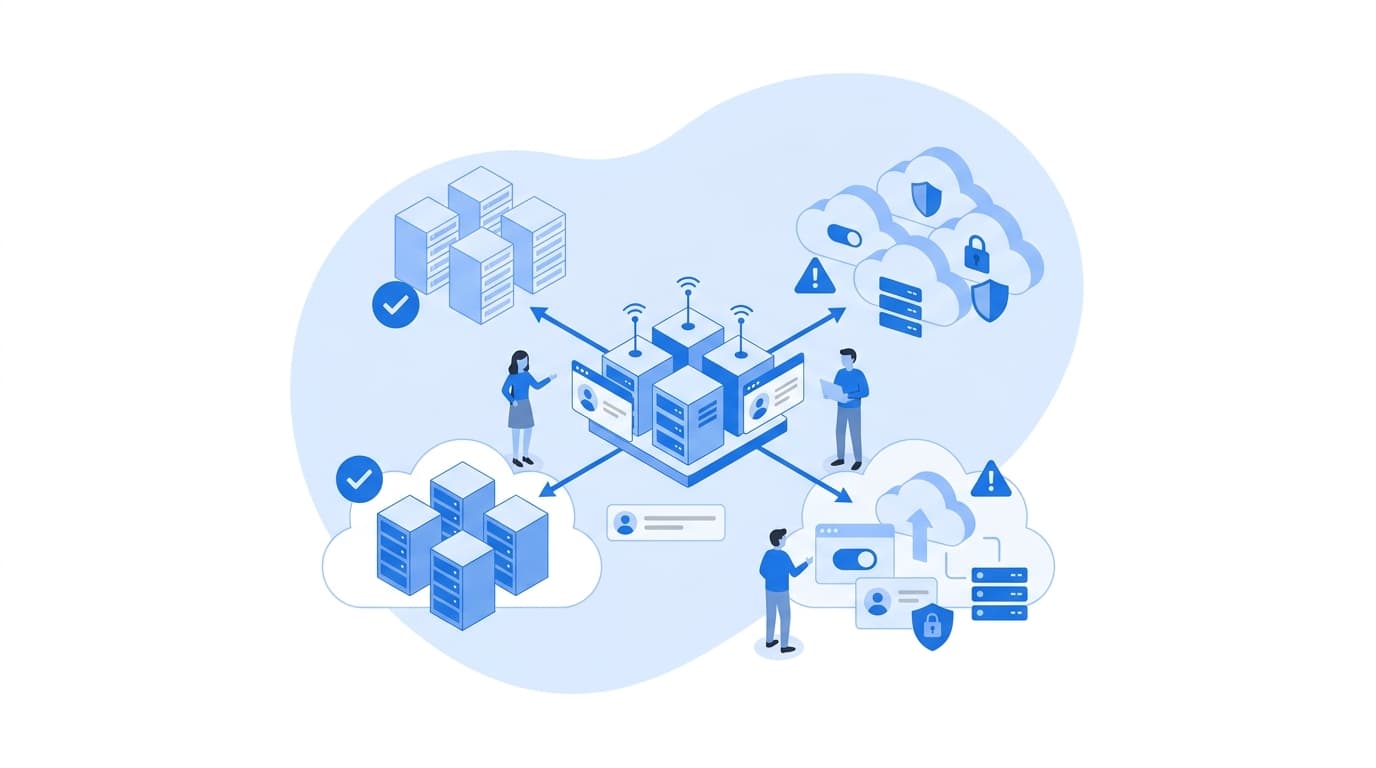
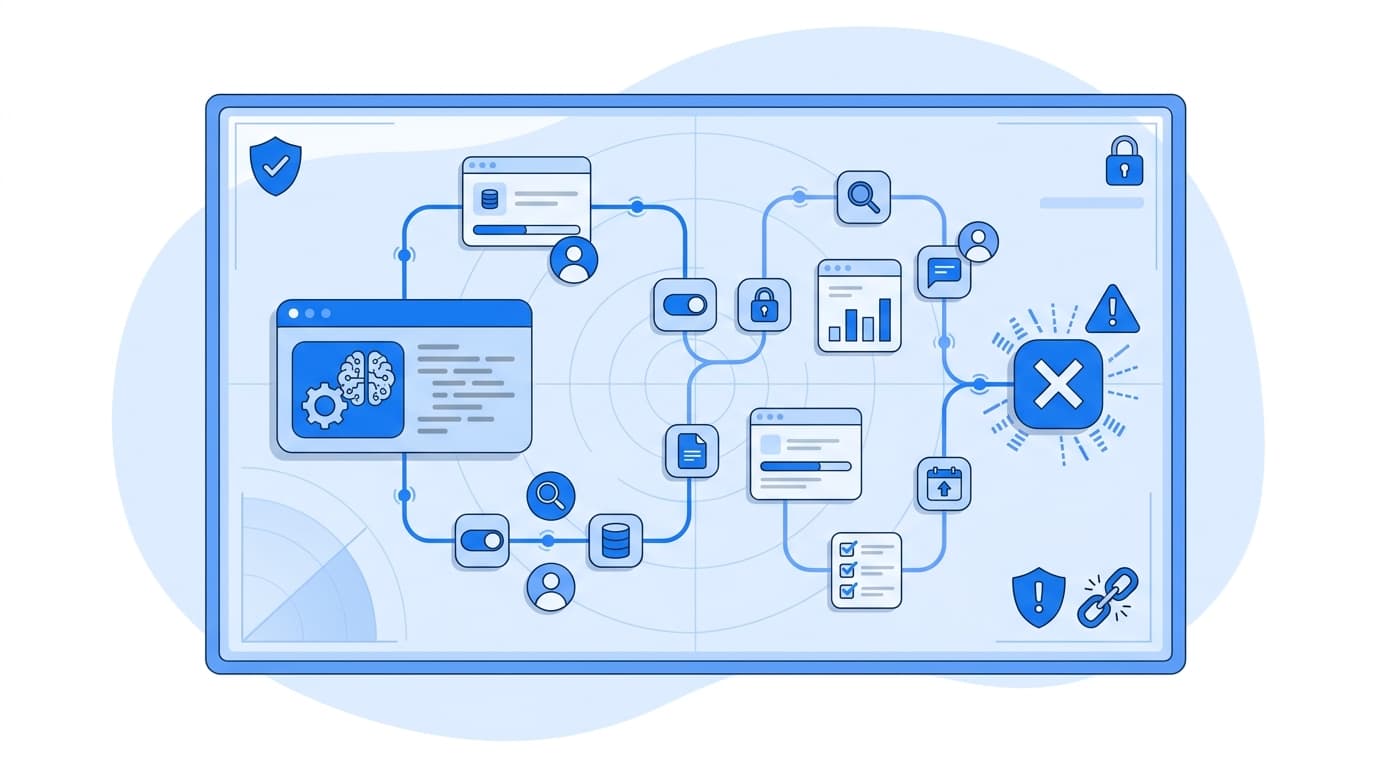
Crossplane is an open source Kubernetes add-on that turns a Kubernetes cluster into a control plane for cloud infrastructure. With Crossplane, Kubernetes stops being only a place to run containers and becomes the API you use to create and manage AWS RDS databases, S3 buckets, GKE clusters, and other cloud resources. You declare those resources as Kubernetes objects. Crossplane controllers then reconcile them continuously against the real cloud APIs, the same way Kubernetes reconciles Deployments and Pods. For teams running across AWS and Google Cloud, this gives you one declarative interface, one access model, and one drift-correction loop for both providers.
The rest of this post explains how that works, where it fits next to tools you already use, and what to watch for before you adopt it.
The problem Crossplane solves
If you operate on more than one cloud, you have probably run into some version of this:
- Terraform state files split across teams, each with its own backend, locking, and pipeline conventions.
- Application teams filing tickets for a database because the infrastructure repo is owned by a platform team.
- Drift that nobody notices until the next
terraform plan, which may be weeks away. - Different credential and approval flows for AWS and GCP, each audited separately.
None of these are failures of any single tool. They come from treating infrastructure provisioning as a series of one-off runs instead of a continuously reconciled system. Kubernetes already solved the continuous reconciliation problem for workloads. Crossplane applies that same model to infrastructure.
How Crossplane Kubernetes control planes work
Crossplane installs into any conformant Kubernetes cluster via Helm. It adds custom resource definitions (CRDs) and controllers. Four concepts carry most of the weight.
Providers
A Provider is a package that teaches Crossplane how to talk to an external API. Installing the AWS RDS provider, for example, adds CRDs like Instance and controllers that call the RDS API. Providers are typically split by service family, so you install only what you need.
apiVersion: pkg.crossplane.io/v1
kind: Provider
metadata:
  name: provider-aws-rds
spec:
  package: xpkg.upbound.io/upbound/provider-aws-rds:v1
---
apiVersion: pkg.crossplane.io/v1
kind: Provider
metadata:
  name: provider-gcp-container
spec:
  package: xpkg.upbound.io/upbound/provider-gcp-container:v1
Pin to the specific provider versions you have tested. The tags above are illustrative.
ProviderConfigs
A ProviderConfig tells a provider which credentials to use. We strongly prefer workload identity over static keys: IAM Roles for Service Accounts (IRSA) or EKS Pod Identity on AWS, and Workload Identity on GKE.
apiVersion: aws.upbound.io/v1beta1
kind: ProviderConfig
metadata:
  name: aws-prod
spec:
  credentials:
    source: IRSA
---
apiVersion: gcp.upbound.io/v1beta1
kind: ProviderConfig
metadata:
  name: gcp-prod
spec:
  projectID: my-gcp-project
  credentials:
    source: InjectedIdentity
Managed resources
A managed resource is a one-to-one representation of a real cloud resource. Here is a GKE cluster declared as a Kubernetes object:
apiVersion: container.gcp.upbound.io/v1beta1
kind: Cluster
metadata:
  name: analytics-gke
spec:
  forProvider:
    location: us-central1
    initialNodeCount: 1
    removeDefaultNodePool: true
    releaseChannel:
      - channel: REGULAR
  providerConfigRef:
    name: gcp-prod
Apply it with kubectl apply, and the controller creates the cluster. If someone changes a setting in the console, the controller notices on its next reconcile and moves it back to the declared state. That continuous correction is the core behavioral difference from run-based tools.
Composite resources and Compositions
Managed resources alone are too low-level to hand to application teams. Crossplane lets you define your own higher-level APIs:
- A CompositeResourceDefinition (XRD) defines the schema, for example a
Databasewith fields forsizeandengine. - A Composition defines what that abstraction expands into: an RDS instance, a subnet group, a security group, and a secret, or the Cloud SQL equivalent on GCP.
apiVersion: apiextensions.crossplane.io/v1
kind: CompositeResourceDefinition
metadata:
  name: xdatabases.platform.example.org
spec:
  group: platform.example.org
  names:
    kind: XDatabase
    plural: xdatabases
  versions:
    - name: v1alpha1
      served: true
      referenceable: true
      schema:
        openAPIV3Schema:
          type: object
          properties:
            spec:
              type: object
              properties:
                size:
                  type: string
                  enum: [small, medium, large]
                cloud:
                  type: string
                  enum: [aws, gcp]
              required: [size, cloud]
Compositions use a function pipeline. Functions such as function-patch-and-transform, function-go-templating, or function-kcl take the composite resource as input and produce the managed resources it should own.
apiVersion: apiextensions.crossplane.io/v1
kind: Composition
metadata:
  name: xdatabase-aws
  labels:
    provider: aws
spec:
  compositeTypeRef:
    apiVersion: platform.example.org/v1alpha1
    kind: XDatabase
  mode: Pipeline
  pipeline:
    - step: render-resources
      functionRef:
        name: function-patch-and-transform
      input:
        apiVersion: pt.fn.crossplane.io/v1beta1
        kind: Resources
        resources:
          - name: rds-instance
            base:
              apiVersion: rds.aws.upbound.io/v1beta1
              kind: Instance
              spec:
                forProvider:
                  region: us-east-1
                  engine: postgres
                  allocatedStorage: 20
                  instanceClass: db.t3.micro
                providerConfigRef:
                  name: aws-prod
            patches:
              - type: FromCompositeFieldPath
                fromFieldPath: spec.size
                toFieldPath: spec.forProvider.instanceClass
                transforms:
                  - type: map
                    map:
                      small: db.t3.micro
                      medium: db.m6g.large
                      large: db.m6g.2xlarge
The application team never sees the RDS-specific fields. They request a small database on aws, and the platform team's Composition encodes the opinionated defaults: encryption, backup retention, network placement, tagging.
A note on versions: Crossplane v2 introduced namespaced composite resources and namespaced managed resources, and reduced the need for the separate "claim" objects that v1 used for namespace-scoped requests. Check the documentation for the version you install, since API groups and scoping differ between major versions.
Managing AWS and GKE from one control plane
The universal control plane pattern looks like this in practice:
- A dedicated management cluster (often small and locked down) runs Crossplane and the AWS and GCP providers.
- Platform engineers publish XRDs like
XDatabase,XBucket, orXKubernetesCluster, with one Composition per cloud. - Application teams submit composite resources through Git. A GitOps tool such as Argo CD or Flux syncs them into the management cluster.
- Kubernetes RBAC governs who can create which abstractions in which namespaces. Admission policies (Kyverno, OPA Gatekeeper) add guardrails such as allowed regions or mandatory tags.
The cloud-specific detail lives in Compositions, not in application repos. When you change a default, for example raising backup retention, you change it once and every resource reconciles toward it.
What this does not do is erase the differences between clouds. An RDS instance and a Cloud SQL instance have different failure modes, networking models, and maintenance behavior. A portable XDatabase API is useful for common cases. We recommend not forcing every cloud-specific feature through a lowest-common-denominator schema. It is fine to have XAuroraCluster alongside a generic XDatabase.
Where Crossplane fits next to Terraform
Crossplane and Terraform solve overlapping problems with different execution models.
- Terraform runs on demand, typically in CI, and compares a state file to the real world at plan time.
- Crossplane runs continuously inside Kubernetes, and the Kubernetes API server (backed by etcd) is effectively the state store.
Many organizations run both. A common split is to keep foundational, rarely changed infrastructure (organization accounts, core networking, the management cluster itself) in Terraform, and use Crossplane for the self-service layer that application teams consume. The Upbound AWS and GCP providers are generated from the corresponding Terraform providers, so resource coverage is broad.
What to evaluate before adopting
We have found these questions useful to settle early:
- Who operates the management cluster? It becomes critical infrastructure. Plan for backups, upgrades, and high availability.
- What is your credential model? Workload identity per ProviderConfig, scoped by least privilege, is far easier to audit than shared static keys.
- How will you handle deletion? Managed resources default to deleting the cloud resource when the Kubernetes object is deleted. Use
deletionPolicy: Orphanor management policies for stateful resources where that is too risky. - How will you import existing resources? Crossplane can observe and adopt existing resources using the external-name annotation and observe-only management policies. Pilot this on non-critical resources first.
- How many CRDs can your cluster tolerate? Large provider families install many CRDs, which affects API server memory. Install only the provider families you use.
- How will you test Compositions? Use
crossplane renderlocally and run Compositions in a non-production control plane before promoting.
If you are working through these decisions for a regulated or high-availability environment, our cloud and platform engineering capabilities cover this kind of control-plane design, and we have written about how requirements shift across different industries.
Sources
- Crossplane documentation: docs.crossplane.io
- Crossplane project page at the Cloud Native Computing Foundation: cncf.io/projects/crossplane
- Kubernetes documentation on controllers and reconciliation: kubernetes.io/docs/concepts/architecture/controller
- Upbound provider marketplace: marketplace.upbound.io
FAQ
Is Crossplane a replacement for Terraform?
Not necessarily. Crossplane reconciles infrastructure continuously through the Kubernetes API, while Terraform applies changes on demand. Many teams use Terraform for foundational infrastructure and Crossplane for self-service platform APIs. The right split depends on how often resources change and who needs to request them.
Do I need to run my applications on Kubernetes to use Crossplane?
No. Crossplane needs a Kubernetes cluster to run in, but the resources it manages can be anything with a supported provider: databases, buckets, IAM roles, DNS records, or other clusters. Your applications can run on VMs, serverless platforms, or elsewhere.
How does Crossplane handle drift in AWS and GKE?
Each managed resource controller periodically compares the desired state in Kubernetes with the actual state in the cloud API. If they differ, the controller updates the cloud resource to match the declared spec. You can limit this behavior with management policies, for example making a resource observe-only.
Can Crossplane manage resources that already exist?
Yes. You can create a managed resource with the crossplane.io/external-name annotation set to the existing resource's identifier, and Crossplane will adopt it. Start with observe-only management policies to confirm the mapping before allowing Crossplane to make changes.
What is the difference between a managed resource and a composite resource?
A managed resource maps one-to-one to a single cloud resource, such as one RDS instance. A composite resource is a custom, higher-level API you define with an XRD. A Composition expands it into multiple managed resources, which lets platform teams hide provider-specific detail behind a simpler interface.