
How to Implement a FinOps Framework to Reduce GKE Costs
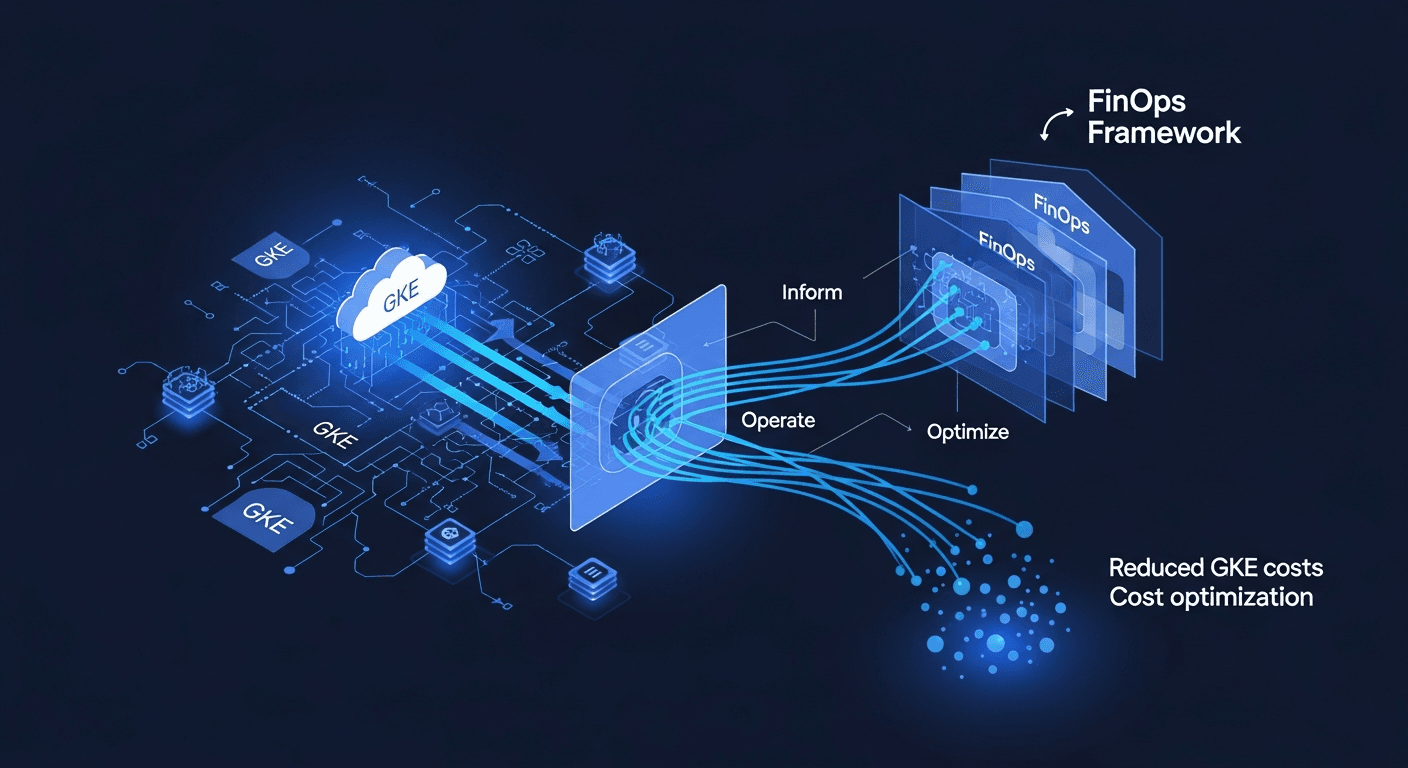
If your GKE bill keeps climbing while nobody can explain which team or workload is responsible, the fix is a FinOps framework: a repeatable operating model that ties Kubernetes spend to engineering decisions, makes costs visible per team and workload, and turns optimization into a habit instead of a quarterly fire drill. You implement it in three phases, inform, optimize, operate, and you back it with GKE-native tooling so the numbers are trustworthy. The rest of this post walks through exactly how I do that.
Why GKE Cost Optimization Is Hard Without a Framework
Kubernetes deliberately abstracts away the machines. That abstraction is what makes GKE productive, and it is also why costs get murky. A single node pool runs pods from multiple teams. Requests and limits rarely match real usage. Autoscalers add capacity faster than anyone reviews it. The result is a bill that arrives as a lump sum with no obvious owner.
A FinOps framework solves the ownership problem first, then the efficiency problem. The order matters. If you start by trimming resources before you have visibility, you will break workloads, lose engineering trust, and stall the whole effort. Get accountability in place, and optimization becomes a series of small, low-risk decisions made by the people closest to the workload.
The FinOps Foundation defines the discipline around three iterative phases (Inform, Optimize, Operate) and a set of principles centered on collaboration between engineering and finance. I map that directly onto GKE below. Source: FinOps Foundation Framework.
Phase 1: Inform — Make GKE Spend Visible and Attributable
You cannot reduce what you cannot see. The first job is attribution.
Turn on cost allocation and label everything
GKE supports cost allocation that breaks down cluster spend by namespace and workload based on resource requests. Enable it on your clusters:
gcloud container clusters update CLUSTER_NAME \
  --enable-cost-allocation \
  --region=REGION
Once enabled, GKE writes usage records to your billing export keyed by namespace and label. To make that data useful, enforce a consistent labeling scheme. I require three labels on every workload at minimum:
team— the owning squadenv—prod,staging, ordevcost-center— the finance code for chargeback or showback
A LabelSelector admission policy or a tool like Kyverno can reject deployments that miss required labels:
apiVersion: kyverno.io/v1
kind: ClusterPolicy
metadata:
  name: require-cost-labels
spec:
  validationFailureAction: Enforce
  rules:
    - name: check-labels
      match:
        any:
          - resources:
              kinds: ["Deployment", "StatefulSet"]
      validate:
        message: "team, env, and cost-center labels are required"
        pattern:
          metadata:
            labels:
              team: "?*"
              env: "?*"
              cost-center: "?*"
Export billing to BigQuery
Send your Cloud Billing data to BigQuery so you can query GKE spend the same way you query any other dataset. This is where showback reports come from. A simple query to see daily cost by namespace:
SELECT
  labels.value AS namespace,
  DATE(usage_start_time) AS day,
  ROUND(SUM(cost), 2) AS cost_usd
FROM `project.billing_export.gcp_billing_export_v1_XXXX`,
  UNNEST(labels) AS labels
WHERE service.description = 'Kubernetes Engine'
  AND labels.key = 'k8s-namespace'
GROUP BY namespace, day
ORDER BY day DESC, cost_usd DESC;
Define unit economics
Total spend is a weak signal. Cost per unit of business value is the metric that survives growth. Pick a denominator that means something: cost per thousand requests, cost per active tenant, cost per build. When traffic doubles and cost-per-request holds flat, you are scaling efficiently. When the unit cost climbs, you have a problem worth investigating. This is the single most important habit in Kubernetes cost management, and it is the metric I report to leadership.
Phase 2: Optimize — Cut Waste Without Breaking Workloads
With visibility in place, optimization is methodical. I work through the highest-leverage levers in order.
1. Right-size requests and limits
The largest source of GKE waste is the gap between requested resources and actual usage. Pods reserve their requests whether or not they use them, and that reservation drives node count. Use the Vertical Pod Autoscaler in recommendation mode first, so you get sizing guidance without disrupting running pods:
apiVersion: autoscaling.k8s.io/v1
kind: VerticalPodAutoscaler
metadata:
  name: api-vpa
spec:
  targetRef:
    apiVersion: apps/v1
    kind: Deployment
    name: api
  updatePolicy:
    updateMode: "Off"   # recommendation-only
Read the recommendations, validate against your own observability data, then apply changes during a maintenance window.
2. Scale the cluster, not just the pods
Combine three autoscaling mechanisms:
- Horizontal Pod Autoscaler (HPA) scales replica counts against CPU, memory, or custom metrics.
- Cluster Autoscaler or node auto-provisioning adjusts node count to match pending pods.
- GKE Autopilot removes node management entirely and bills per pod resource request, which can be cheaper for spiky or low-utilization workloads. Standard mode usually wins for dense, steady clusters where you bin-pack aggressively.
3. Use Spot VMs for fault-tolerant workloads
Batch jobs, CI runners, and stateless services that tolerate interruption are good candidates for Spot VMs, which carry a steep discount. Isolate them in a dedicated node pool and use taints so only opt-in workloads land there:
gcloud container node-pools create spot-pool \
  --cluster=CLUSTER_NAME \
  --spot \
  --node-taints=cloud.google.com/gke-spot=true:NoSchedule \
  --enable-autoscaling --min-nodes=0 --max-nodes=20
4. Commit to what you know you will use
For your steady-state baseline, committed use discounts (CUDs) lower the rate you pay for sustained compute. Buy commitments against the floor of your usage, never the peak, and revisit them quarterly as your baseline shifts.
5. Clean up the obvious waste
- Idle node pools left over from migrations
- Over-provisioned
devenvironments running 24/7 - Orphaned persistent volumes and load balancers
- Unbounded log retention writing to expensive storage classes
These are the quick wins that fund the rest of the program. Cloud cost cuts here are real and immediate.
Phase 3: Operate — Make FinOps a Standing Practice
Optimization that happens once decays. The Operate phase wires cost into the everyday engineering loop.
Set budgets and alerts
Create Cloud Billing budgets per project and route alerts to the owning team's channel, not a central inbox. The team that caused a spike should hear about it first.
Bring cost into CI/CD and platform reviews
I add a lightweight cost check to merge requests that change infrastructure, using infracost or a custom BigQuery delta query, so reviewers see the projected impact before approving. Cost becomes a code-review concern, the same as security and performance.
Establish a cross-functional cadence
A monthly review with engineering leads and finance keeps the framework alive. The agenda is short:
- Unit cost trend versus last month
- Top three cost movers and their owners
- Optimization actions shipped and their measured savings
- Commitments and discounts due for renewal
This collaboration between engineering and finance is the core of any durable FinOps framework, and it is the part tooling alone will never replace.
A Reference FinOps Tooling Stack for GKE
You do not need a sprawling toolchain. A practical, GKE-native FinOps tooling stack looks like this:
- GKE cost allocation + BigQuery export for the source of truth
- OpenCost or Kubecost for namespace and workload-level breakdowns, including shared-cost distribution
- Cloud Monitoring + Recommender for right-sizing and idle-resource recommendations
- VPA / HPA / Cluster Autoscaler for elasticity
- Looker Studio or your BI tool for showback dashboards finance will actually read
Pick the smallest set that gives every team a clear view of what they own and what it costs.
Standing this up across a busy platform takes engineering time most teams do not have to spare. If you want help designing the operating model and the tooling, that is the kind of work our cloud and infrastructure capabilities are built for, and we have applied these patterns across the regulated and high-scale industries we serve.
Putting It Together
Reducing GKE costs is not a tool you buy. It is an operating model you run. Make spend visible and attributable first. Optimize methodically, starting with right-sizing and autoscaling before you chase commitments and Spot. Then operationalize it with budgets, CI checks, and a monthly cadence that keeps engineering and finance in the same conversation. Done in that order, a FinOps framework turns Kubernetes cost management from an unpredictable line item into a metric your teams own and improve every sprint.
FAQ
What is the difference between showback and chargeback in a FinOps framework?
Showback reports each team's cost without moving money, which builds awareness and accountability. Chargeback actually bills the cost back to the team's budget. I recommend starting with showback. It surfaces ownership without the political friction of internal billing, and most teams change behavior once they simply see the number.
Should I use GKE Autopilot or Standard mode for cost optimization?
It depends on workload shape. Autopilot bills per pod request and removes node management, which suits spiky, low-utilization, or small clusters. Standard mode usually costs less for dense, steady workloads where you can bin-pack nodes tightly and use Spot VMs and committed use discounts. Many organizations run both, choosing per cluster based on the workload profile.
How quickly can a FinOps framework reduce GKE costs?
The quick wins (idle node pools, over-provisioned dev environments, orphaned volumes) often land in the first few weeks. Right-sizing and autoscaling improvements follow over a quarter as you validate recommendations against real usage. The durable savings come from the Operate phase, where unit cost trends stay flat or fall as you scale.
What metrics should I report to leadership?
Lead with unit economics: cost per request, per tenant, or per build, depatending on your business. Pair it with total spend trend and the top cost movers by team. Leadership cares whether you are scaling efficiently, and unit cost answers that directly where raw spend does not.
Do I need Kubecost, or can I use open-source tooling?
OpenCost is the open-source project that underpins much of this space and integrates with GKE cost allocation data. It is sufficient for namespace and workload breakdowns. Commercial tools like Kubecost add features such as governance workflows, longer retention, and shared-cost modeling. Start with OpenCost plus your BigQuery billing export, and add a commercial layer only when you hit a specific gap.