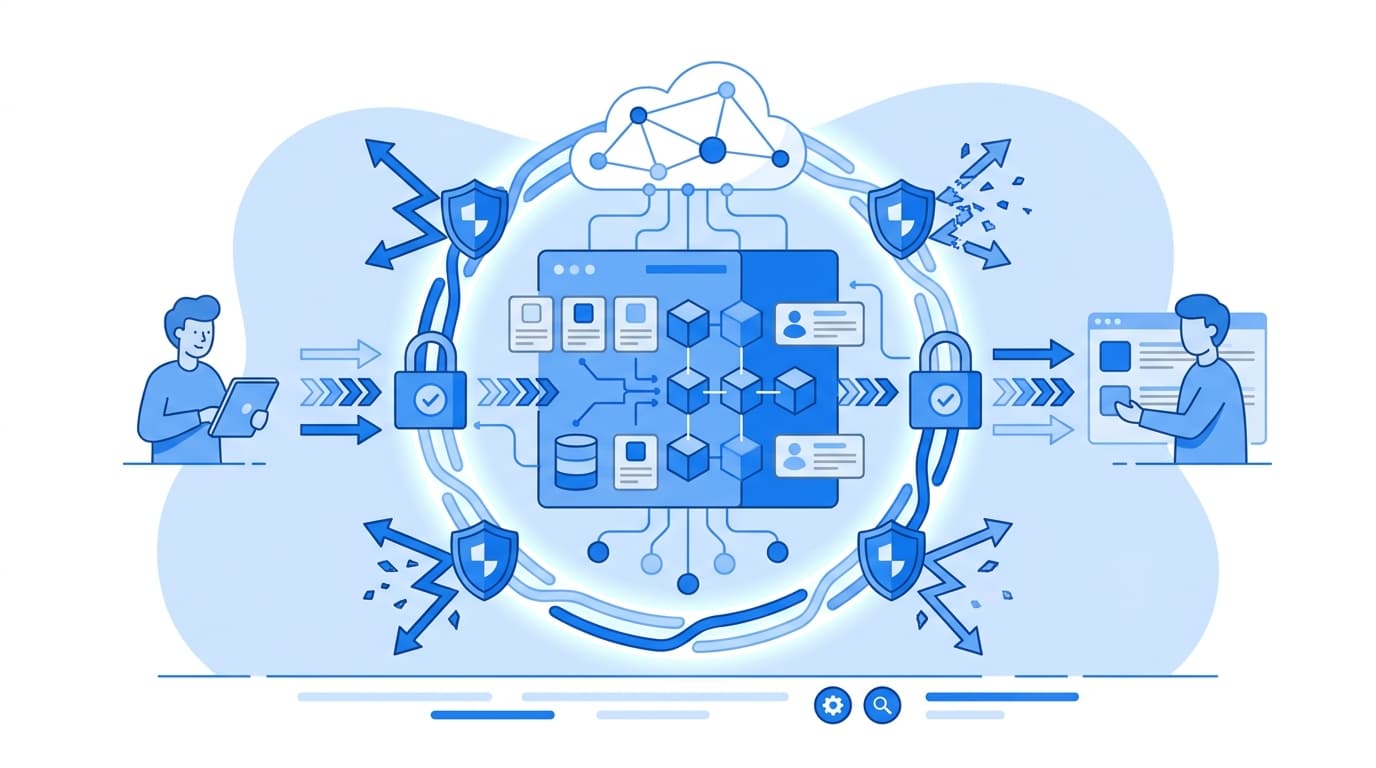
How to Build a Model Context Protocol (MCP) Server with Node.js to Expose Enterprise APIs to AI Agents
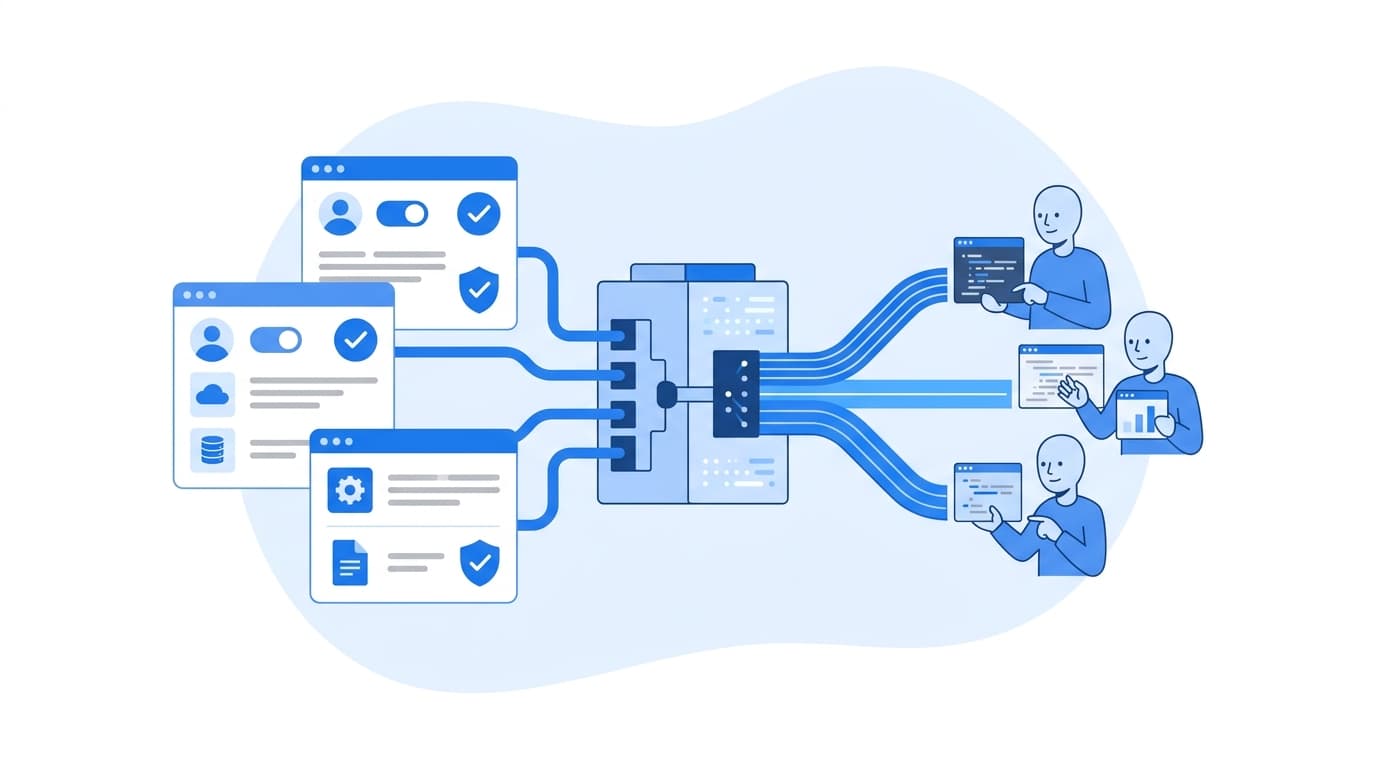
Building an MCP server in Node.js comes down to four steps. First, install the official MCP TypeScript SDK. Second, wrap your existing enterprise API client in a small set of well-described, schema-validated tools. Third, connect that server to a transport: stdio for local agents, Streamable HTTP for shared deployments. Fourth, harden it with authentication, least-privilege scopes, and audit logging before any agent touches production data. In this guide we walk through an MCP server Node.js implementation that exposes an internal REST API to AI agents. We include working TypeScript, the transport decision, and the production concerns we would raise in a design review.
If your team has been asked to "make our APIs available to the AI assistant," this is the shortest credible path we know of.
What an MCP Server Node.js Implementation Actually Does
The Model Context Protocol is an open protocol for connecting AI applications to external tools and data. The spec and docs live at modelcontextprotocol.io. An MCP server advertises three kinds of capability to an MCP client, such as a desktop assistant, an IDE, or your own agent runtime:
- Tools: functions the model can call, with JSON Schema inputs. This is where most enterprise API exposure happens.
- Resources: read-only context the client can fetch, such as a service catalog or a policy document.
- Prompts: reusable, parameterized prompt templates.
Messages are JSON-RPC 2.0. The practical benefit is that you write the integration once, and any MCP-compatible client can discover and call it. You no longer build a custom plugin for each assistant.
The important mental shift: an MCP server is not a proxy for your REST API. It is a curated, task-shaped interface designed for a model to use correctly. That distinction drives most of the design choices below.
Prerequisites
- Node.js 18 or later. We use the built-in
fetch. - TypeScript 5.x.
- An internal REST API with a service account or OAuth client you can scope narrowly.
- The official SDK,
@modelcontextprotocol/sdk, pluszodfor input schemas.
Step 1: Scaffold the Project
mkdir orders-mcp && cd orders-mcp
npm init -y
npm install @modelcontextprotocol/sdk zod express
npm install -D typescript @types/node @types/express tsx
npx tsc --init
Set "type": "module" in package.json. In tsconfig.json, use "module": "Node16" and "moduleResolution": "Node16" so the SDK's .js subpath imports resolve correctly.
Step 2: Wrap Your Enterprise API in a Thin Client
Keep HTTP details out of the tool handlers. A small client module gives you one place to handle auth headers, timeouts, and error mapping.
// src/ordersClient.ts
const BASE_URL = process.env.ORDERS_API_URL!;
const TOKEN = process.env.ORDERS_API_TOKEN!; // scoped, read-mostly service credential

export class UpstreamError extends Error {
  constructor(public status: number, message: string) {
    super(message);
  }
}

async function call<T>(path: string, init: RequestInit = {}): Promise<T> {
  const res = await fetch(`${BASE_URL}${path}`, {
    ...init,
    headers: {
      Authorization: `Bearer ${TOKEN}`,
      "Content-Type": "application/json",
      ...init.headers,
    },
    signal: AbortSignal.timeout(10_000),
  });
  if (!res.ok) {
    throw new UpstreamError(res.status, `Upstream ${res.status} on ${path}`);
  }
  return res.json() as Promise<T>;
}

export const ordersClient = {
  getOrder: (id: string) => call<Order>(`/v1/orders/${encodeURIComponent(id)}`),
  searchOrders: (customerId: string, status?: string) =>
    call<Order[]>(
      `/v1/orders?customerId=${encodeURIComponent(customerId)}` +
        (status ? `&status=${encodeURIComponent(status)}` : "")
    ),
};

export interface Order {
  id: string;
  customerId: string;
  status: string;
  total: number;
  updatedAt: string;
}
Step 3: Register Task-Shaped Tools
This is where most of the engineering judgment goes. The model only sees the tool name, its description, and its input schema. Write them the way you would brief a new engineer.
// src/server.ts
import { McpServer } from "@modelcontextprotocol/sdk/server/mcp.js";
import { z } from "zod";
import { ordersClient, UpstreamError } from "./ordersClient.js";

export function buildServer() {
  const server = new McpServer({ name: "orders-mcp", version: "0.1.0" });

  server.registerTool(
    "get_order_status",
    {
      title: "Get order status",
      description:
        "Look up a single order by its ID (format ORD-123456). Returns status, total, " +
        "and last update time. Use this when the user references a specific order.",
      inputSchema: {
        orderId: z.string().regex(/^ORD-\d{6,}$/).describe("Order ID, e.g. ORD-104233"),
      },
      annotations: { readOnlyHint: true },
    },
    async ({ orderId }) => {
      try {
        const o = await ordersClient.getOrder(orderId);
        return {
          content: [{
            type: "text",
            text: `Order ${o.id}: ${o.status}, total ${o.total.toFixed(2)}, updated ${o.updatedAt}`,
          }],
        };
      } catch (err) {
        const msg = err instanceof UpstreamError && err.status === 404
          ? `No order found with ID ${orderId}.`
          : "The orders service is unavailable. Try again later.";
        return { content: [{ type: "text", text: msg }], isError: true };
      }
    }
  );

  server.registerTool(
    "find_customer_orders",
    {
      title: "Find a customer's orders",
      description:
        "List recent orders for a customer ID, optionally filtered by status. " +
        "Returns at most 20 results, newest first.",
      inputSchema: {
        customerId: z.string().min(1),
        status: z.enum(["open", "shipped", "cancelled"]).optional(),
      },
      annotations: { readOnlyHint: true },
    },
    async ({ customerId, status }) => {
      const orders = (await ordersClient.searchOrders(customerId, status)).slice(0, 20);
      return {
        content: [{ type: "text", text: JSON.stringify(orders, null, 2) }],
      };
    }
  );

  return server;
}
A few choices here are deliberate:
- Tight input schemas. The regex on
orderIdrejects malformed calls before they reach your API. - Errors returned as tool results with
isError: true. The model can read the message and recover, for example by asking the user for a correct ID. A thrown exception that surfaces only as a protocol error gives it nothing to work with. - Bounded output. Capping results at 20 protects the model's context window and your upstream service.
- Annotations.
readOnlyHinttells clients the tool does not modify state. Clients may use this to decide when to ask the user for confirmation. Treat annotations as hints, not security controls.
Step 4: Add a Resource for Stable Context (Optional)
Resources suit reference material the agent should read rather than "call," such as an order status glossary:
server.registerResource(
  "order-status-glossary",
  "docs://orders/status-glossary",
  { title: "Order status glossary", mimeType: "text/markdown" },
  async (uri) => ({
    contents: [{
      uri: uri.href,
      text: "- open: payment captured, not shipped\n- shipped: handed to carrier\n- cancelled: voided",
    }],
  })
);
Step 5: Choose a Transport
The spec defines two standard transports. The transports section of the specification covers both.
stdio for local, single-user use
The client launches your server as a subprocess and talks over stdin/stdout.
// src/stdio.ts
import { StdioServerTransport } from "@modelcontextprotocol/sdk/server/stdio.js";
import { buildServer } from "./server.js";

await buildServer().connect(new StdioServerTransport());
console.error("orders-mcp running on stdio"); // stderr only
Never write logs to stdout in stdio mode. Stdout carries the JSON-RPC stream, and a stray console.log will corrupt it. We have seen this cause more "the server doesn't work" tickets than any real bug.
Streamable HTTP for shared, remote deployments
For a centrally operated server that many users or agents reach over the network, use Streamable HTTP. A stateless setup creates a fresh server and transport per request. It is simple to scale horizontally behind a load balancer:
// src/http.ts
import express from "express";
import { StreamableHTTPServerTransport } from "@modelcontextprotocol/sdk/server/streamableHttp.js";
import { buildServer } from "./server.js";

const app = express();
app.use(express.json());

app.post("/mcp", async (req, res) => {
  const server = buildServer();
  const transport = new StreamableHTTPServerTransport({ sessionIdGenerator: undefined });
  res.on("close", () => {
    transport.close();
    server.close();
  });
  await server.connect(transport);
  await transport.handleRequest(req, res, req.body);
});

app.listen(3000, () => console.log("orders-mcp listening on :3000"));
If you need server-initiated notifications or long-lived sessions, the SDK supports stateful sessions with a session ID generator. That adds sticky-routing or shared-state requirements to your infrastructure.
Step 6: Test with MCP Inspector
Before wiring the server into any assistant, exercise it with the official Inspector:
npx @modelcontextprotocol/inspector npx tsx src/stdio.ts
You can list tools, inspect their generated schemas, call them with good and bad inputs, and confirm error messages read clearly. We treat Inspector runs as a checklist item in code review for every new tool.
Hardening for Enterprise Use
A working demo is not a production integration. Before exposing real systems, we recommend the following.
Authentication and authorization
- For HTTP deployments, follow the spec's authorization guidance, which is based on OAuth 2.1. Validate tokens on every request and map them to the end user's identity.
- Act on behalf of the user, not as a superuser. If the agent's caller can only see their own region's orders, the upstream call should carry that restriction.
- Use separate credentials for read and write tools so a compromised read path cannot mutate data.
Least privilege by tool design
- Start read-only. Add write tools such as
cancel_orderonly with explicit business sign-off. - For destructive actions, set
destructiveHint: true. Also enforce confirmation server-side, for example with a two-step "propose then confirm" tool pair. Do not rely on the client to prompt. - Do not expose generic "call any endpoint" tools. They bypass every guardrail you just built.
Prompt injection and data handling
Tool outputs flow back into the model's context. Treat upstream data, such as free-text order notes, as untrusted content that could contain instructions. Strip or truncate fields the agent does not need. Redact personal data the task does not require. The OWASP Top 10 for LLM Applications is a useful threat checklist here.
Observability and limits
- Log every tool invocation with caller identity, tool name, validated arguments, latency, and outcome. Send logs to your existing SIEM.
- Apply per-user rate limits. Agents retry and loop in ways human users do not.
- Make write operations idempotent with request IDs so retries are safe.
Where This Fits in a Broader Platform
One MCP server per bounded domain (orders, inventory, billing) tends to age better than one monolithic server. Each team owns its tools, schemas, and release cadence, and the agent runtime composes them. That mirrors how most organizations already structure their APIs. Our software and platform engineering capabilities cover this kind of API and agent integration work. The governance details differ meaningfully across regulated and high-scale industries, so plan for those early.
FAQ
Do I need TypeScript, or can I build an MCP server in plain JavaScript?
Plain JavaScript works, because the SDK ships compiled JS. We recommend TypeScript because tool input types are inferred from your Zod schemas. Mismatches between schema and handler then get caught at compile time instead of in production.
Should every REST endpoint become an MCP tool?
No. Map tools to tasks a user would ask an agent to do, not to endpoints one-for-one. Fewer, well-described tools with tight schemas produce more reliable model behavior and a smaller attack surface.
When should I use stdio versus Streamable HTTP?
Use stdio when the server runs on the user's machine alongside a desktop or IDE client, with the user's own credentials. Use Streamable HTTP when you want one centrally operated, authenticated, and audited server that many users or agents share.
How do I stop an agent from performing destructive actions?
Enforce it on the server. Keep write tools separate and narrowly scoped, and require an explicit confirmation step for destructive operations. Authorize every call against the end user's permissions. Client-side annotations and prompts help, but they are not a security boundary.
How do I test an MCP server before connecting it to an AI assistant?
Use the MCP Inspector (npx @modelcontextprotocol/inspector) to list and invoke tools manually. Also unit-test your handlers directly by calling the underlying functions with valid and invalid inputs, the same way you would test any service layer.