What Is the Difference Between HPA, VPA, and Cluster Autoscaler in Kubernetes?
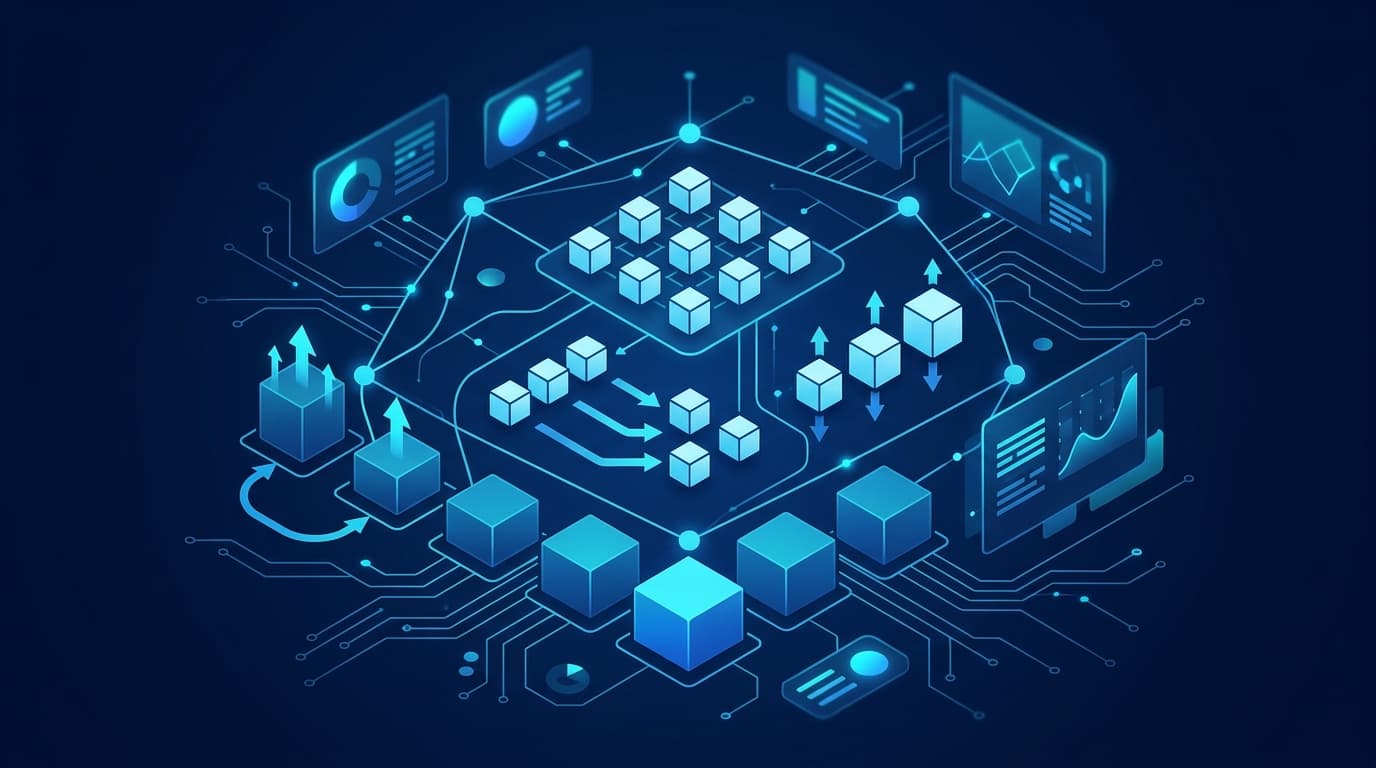
If you run workloads on Kubernetes, you have three distinct autoscaling mechanisms to understand, and they operate at different layers. The Horizontal Pod Autoscaler (HPA) adds or removes pod replicas based on load. The Vertical Pod Autoscaler (VPA) adjusts the CPU and memory requests of individual pods. The Cluster Autoscaler (CA) adds or removes nodes when pods cannot be scheduled or nodes sit idle. Effective Kubernetes autoscaling usually means combining these, not choosing one, because each solves a problem the others cannot.
I have seen teams reach for HPA alone, watch pods pile up in Pending, and conclude that autoscaling is broken. The autoscaling was working fine. There simply were no nodes to place the new pods on. Understanding where each controller operates is the difference between a cluster that scales predictably and one that surprises you during a traffic spike.
The Three Layers of Kubernetes Autoscaling
The cleanest way to reason about this is by what each component changes.
| Component | Scales | Trigger | Changes |
|---|---|---|---|
| HPA | Number of pods | CPU, memory, or custom/external metrics | Replica count on a Deployment/StatefulSet |
| VPA | Size of pods | Observed resource usage over time | CPU/memory requests and limits per pod |
| Cluster Autoscaler | Number of nodes | Unschedulable pods or underused nodes | Node count in a node group/pool |
HPA and VPA both operate on pods but in orthogonal directions: HPA goes wide, VPA goes deep. The Cluster Autoscaler operates one level down, on the infrastructure that pods run on.
Horizontal Pod Autoscaler (HPA)
HPA watches a metric and changes how many replicas a workload runs. When average CPU across pods crosses your target, HPA creates more pods; when load drops, it removes them. This is the right tool for stateless services that handle more concurrent requests by running more copies.
A basic HPA targeting 60% average CPU utilization, scaling between 3 and 20 replicas:
apiVersion: autoscaling/v2
kind: HorizontalPodAutoscaler
metadata:
  name: web-api
spec:
  scaleTargetRef:
    apiVersion: apps/v1
    kind: Deployment
    name: web-api
  minReplicas: 3
  maxReplicas: 20
  metrics:
    - type: Resource
      resource:
        name: cpu
        target:
          type: Utilization
          averageUtilization: 60
  behavior:
    scaleDown:
      stabilizationWindowSeconds: 300
A few practical notes:
- HPA depends on resource requests. Utilization is calculated as usage divided by the request. If your pods have no CPU request, utilization-based HPA cannot compute a percentage.
- Custom and external metrics are where HPA earns its keep. Queue depth, requests per second, or a business metric exposed through the external metrics API often scale more accurately than raw CPU. See the Kubernetes HPA documentation for the metrics API details.
- Tune
behavior. Without a stabilization window, HPA can flap, scaling up and down repeatedly on noisy metrics.
Vertical Pod Autoscaler (VPA)
VPA solves a different problem: you do not know how much CPU and memory a workload actually needs. Instead of changing the number of pods, VPA observes real usage and recommends (or applies) better requests and limits.
VPA has three modes:
Off: generates recommendations only. You read them and apply changes yourself. This is the safest starting point.Initial: sets requests when a pod is created, then leaves it alone.Auto/Recreate: evicts and recreates pods to apply new values.
apiVersion: autoscaling.k8s.io/v1
kind: VerticalPodAutoscaler
metadata:
  name: batch-worker
spec:
  targetRef:
    apiVersion: apps/v1
    kind: Deployment
    name: batch-worker
  updatePolicy:
    updateMode: "Off"
  resourcePolicy:
    containerPolicies:
      - containerName: "*"
        minAllowed:
          cpu: 100m
          memory: 128Mi
        maxAllowed:
          cpu: 2
          memory: 4Gi
The important caveat: in Auto mode, VPA evicts pods to resize them. For single-replica workloads that means downtime. VPA is strongest for right-sizing batch jobs, controllers, and workloads where you have been guessing at resource requests and either wasting capacity or triggering OOM kills.
Cluster Autoscaler (CA)
The Cluster Autoscaler changes the number of nodes. When a pod cannot be scheduled because no node has enough free capacity, CA provisions a new node from a node group. When nodes are underused and their pods can be rescheduled elsewhere, CA removes them to save cost.
This is the layer most teams forget. HPA can request 50 pods, but if your nodes are full, those pods stay Pending until something gives them room. On managed platforms this is often enabled at the node pool level. For GKE elasticity, for example, you enable autoscaling per node pool:
gcloud container clusters create prod \
  --enable-autoscaling \
  --min-nodes 3 \
  --max-nodes 30 \
  --num-nodes 3
Key behaviors to understand:
- CA works on scheduling signals, not metrics. It reacts to
Pendingpods and to node utilization, not to CPU percentages. - Scale-down is conservative by design. CA will not remove a node if doing so would strand pods it cannot reschedule, respecting
PodDisruptionBudgetsand local storage constraints. - Node provisioning takes time. A new node may take a minute or more to become ready. If your traffic spikes faster than that, consider overprovisioning with low-priority placeholder pods.
HPA vs VPA: When to Use Which
The HPA vs VPA question comes up constantly, and the short answer is that they answer different questions.
- Use HPA when a workload can absorb more load by running more copies. Web front ends, API servers, and stateless consumers are classic cases.
- Use VPA when a workload scales by having more resources per instance, or when you simply do not know the right requests. JVM services, in-memory caches, and batch processors often fit here.
The conflict to avoid: do not run HPA and VPA on the same metric for the same workload. If both react to CPU, they fight. HPA adds replicas to reduce per-pod CPU while VPA raises CPU requests, and the two chase each other. The supported pattern is HPA on CPU or a custom metric, with VPA on memory, or VPA in recommendation-only mode feeding your deployment configuration.
Making the Three Work Together
In a well-run cluster, the layers cooperate:
- VPA (or careful manual tuning) sets honest resource requests. Accurate requests are the foundation. HPA utilization math and CA scheduling decisions both depend on them.
- HPA scales replicas to meet demand, creating
Pendingpods when the cluster is full. - Cluster Autoscaler provisions nodes to place those pending pods, then reclaims capacity when demand falls.
A practical reference configuration:
- Front-end services: HPA on requests-per-second or CPU,
minReplicassized for baseline traffic plus failover headroom. - Internal workers and controllers: VPA in
Automode with sanemaxAllowedceilings. - Every node pool: Cluster Autoscaler with
minandmaxbounds that reflect your budget and reliability targets.
Two guardrails matter more than any single setting. First, set PodDisruptionBudgets so scale-down and VPA eviction never take down a quorum. Second, use resource requests that reflect reality, because inflated requests force the Cluster Autoscaler to add nodes you do not need, and understated requests cause OOM kills and noisy-neighbor problems.
If you want help designing this end to end, our cloud and infrastructure capabilities cover autoscaling strategy, cost controls, and reliability guardrails. We also tailor these patterns to the specific demands of the industries we serve, where traffic profiles and compliance constraints change the right defaults.
Common Pitfalls
- No resource requests. Breaks utilization-based HPA and misleads the Cluster Autoscaler.
- HPA and VPA competing on the same signal. Pick complementary metrics or use VPA recommendations only.
- Max bounds set too high. A metrics bug plus an unbounded
maxReplicasor nodemaxcan run up a serious bill. - Ignoring scale-up latency. Node provisioning is not instant. Pre-warm capacity for sharp spikes.
- Forgetting disruption budgets. Aggressive scale-down without PDBs causes avoidable outages.
Autoscaling is not a single switch. It is three controllers, each operating at a different layer, that you tune to work in concert. Get the resource requests right, assign each workload to the correct mechanism, and bound every scaler, and Kubernetes autoscaling becomes something you can trust under load instead of something you babysit.
FAQ
Can I run HPA and VPA on the same deployment?
Yes, but only if they act on different signals. The supported pattern is HPA scaling on CPU or a custom metric while VPA manages memory, or VPA running in recommendation-only (Off) mode. Running both against the same metric causes them to fight, with HPA adding replicas while VPA raises requests.
Does the Cluster Autoscaler use CPU metrics?
No. The Cluster Autoscaler reacts to scheduling state, not utilization percentages. It adds nodes when pods are Pending due to insufficient capacity and removes nodes when they are underused and their pods can be rescheduled elsewhere, subject to disruption budgets and storage constraints.
Why are my pods stuck in Pending even though HPA scaled up?
HPA created the replicas, but the cluster had no room to schedule them. HPA only changes replica counts; it does not provision infrastructure. You need the Cluster Autoscaler enabled on your node pools so new nodes are added when pods cannot be placed.
Is VPA safe for production workloads?
It depends on the mode and replica count. VPA in Off mode only produces recommendations and is completely safe. In Auto mode it evicts and recreates pods to resize them, which can cause downtime for single-replica workloads. Use disruption budgets and multiple replicas before enabling automatic updates.
How is GKE autoscaling different from vanilla Kubernetes?
The core controllers are the same, but managed platforms integrate node provisioning directly. GKE elasticity is configured per node pool through flags like --enable-autoscaling, and the platform handles node lifecycle. HPA and VPA behave as they do in upstream Kubernetes.