A Step-by-Step Guide to Modernizing Legacy Infrastructure with Terraform
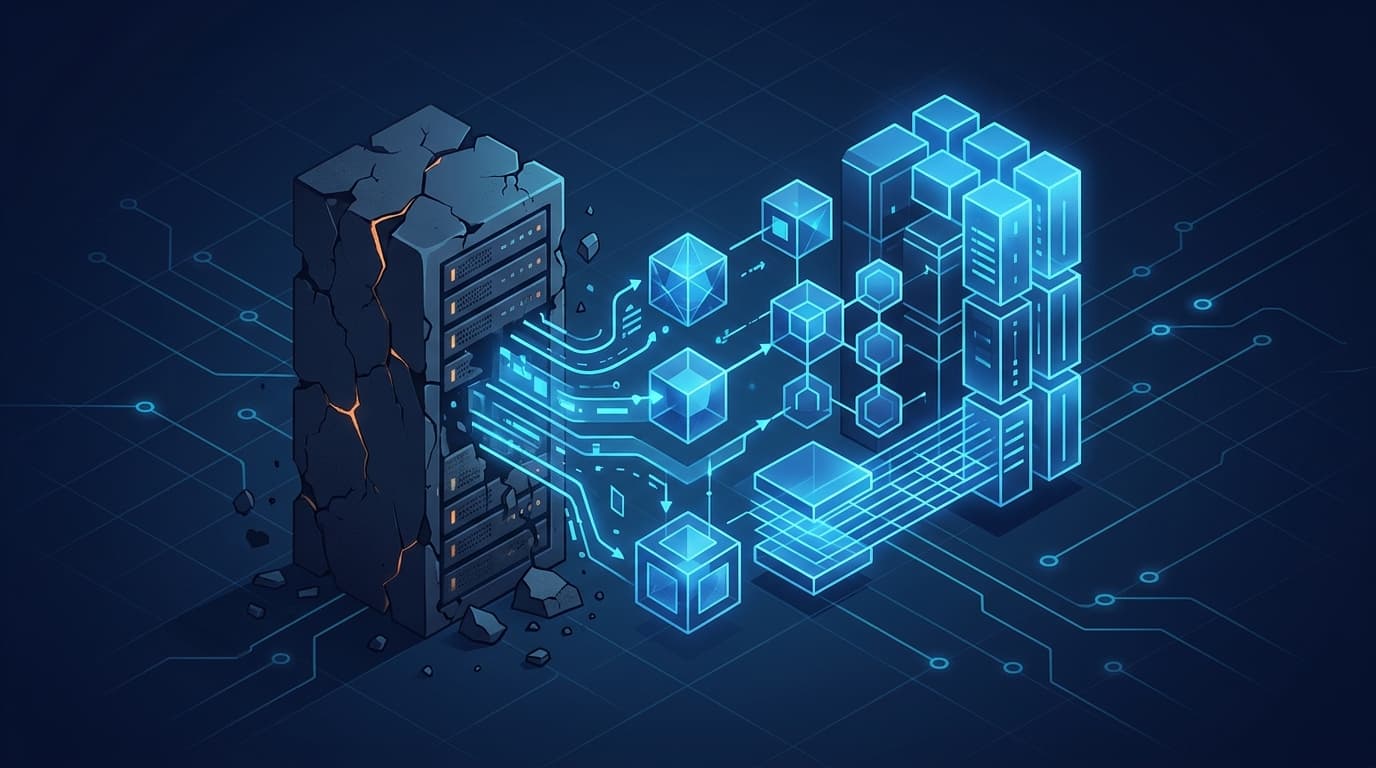
If you are staring down a sprawl of hand-configured servers, click-ops cloud consoles, and undocumented network rules, the fastest path to infrastructure modernization is to codify what you have with Terraform, then refactor it incrementally into a tested, version-controlled state. You do not rewrite everything at once. You import existing resources, wrap them in modules, add a state backend and a CI pipeline, and migrate service by service. This guide walks through that process step by step, with the commands and patterns I reach for on real migrations.
The goal here is not "Terraform for its own sake." It is repeatability, auditability, and the ability to change infrastructure without fear. Legacy environments usually fail on all three. Let's fix that.
Why legacy infrastructure resists change
Before touching a single .tf file, it helps to name the specific problems that make legacy environments risky:
- Configuration drift. The running state no longer matches any document or script. Someone SSH'd in during an incident and never wrote it down.
- Tribal knowledge. The one person who knows why the load balancer has that odd timeout has left the company.
- No blast-radius control. A change to one thing quietly breaks another because dependencies are implicit.
- Manual provisioning. New environments take days and are never identical to production.
Terraform addresses these because it makes the desired state explicit, diffable, and reviewable. But that value only shows up if you migrate deliberately. A rushed lift-and-shift into Infrastructure as Code (IaC) usually recreates the same mess in a new syntax.
Step 1: Inventory and freeze the existing environment
You cannot codify what you have not catalogued. Start by producing an honest inventory of what actually runs in production: compute instances, databases, networks, DNS records, IAM policies, storage buckets, and the connections between them.
Two practical tactics:
- Use your cloud provider's export tools to dump current resources. On AWS,
aws resourcegroupstaggingapi get-resourcesand the Config service give you a starting list. - Establish a change freeze on manual edits during migration. Communicate that all changes now go through the new pipeline once a resource is under Terraform control. Mixed manual and coded changes are the fastest way to corrupt your state.
Tag everything you plan to import. Consistent tagging (owner, environment, managed-by) becomes the backbone of your later module design.
Step 2: Stand up remote state before writing resources
Local state files are fine for a tutorial and dangerous for a team. Configure a remote backend first so state is shared, locked, and encrypted.
terraform {
  required_version = ">= 1.6.0"

  backend "s3" {
    bucket         = "acme-tfstate-prod"
    key            = "core/network/terraform.tfstate"
    region         = "us-east-1"
    dynamodb_table = "acme-tf-locks"
    encrypt        = true
  }
}
The dynamodb_table provides state locking so two engineers cannot apply simultaneously and clobber each other. If you use another cloud, the equivalents are Azure Blob Storage with a storage account lock, or a GCS bucket. Terraform's own documentation covers backend configuration in detail (developer.hashicorp.com/terraform).
Keep one piece of state per bounded domain: network, data, and application tiers should not share a single monolithic state file. Smaller state files mean smaller blast radius and faster plans.
Step 3: Import existing resources instead of recreating them
This is the heart of an IaC migration. You are not destroying and rebuilding production. You are bringing live resources under management without touching them.
For each resource, write a minimal configuration block, then import the live resource into state. Modern Terraform supports declarative import blocks, which are far easier to review than the old terraform import command:
import {
  to = aws_instance.api_server
  id = "i-0abc123def4567890"
}

resource "aws_instance" "api_server" {
  # leave attributes to be filled in after generation
}
Then generate the configuration:
terraform plan -generate-config-out=generated_api_server.tf
Review the generated file carefully. It will include computed and default attributes you do not want to manage. Prune it down to the fields you actually care about, then run:
terraform plan
The target is a clean plan: zero changes. If Terraform wants to modify or replace a resource you just imported, your configuration does not match reality yet. Do not apply until the diff is empty. This iterative "import, plan, prune, repeat" loop is tedious but it is where you build confidence that your code reflects production.
Step 4: Refactor into modules
Once a domain is imported and stable, start factoring repeated patterns into reusable modules. Legacy environments often have three nearly identical app tiers with subtle differences. Modules let you express the shared pattern once and parameterize the differences.
module "api_service" {
  source = "./modules/service"

  name          = "api"
  instance_type = "m6i.large"
  min_size      = 3
  max_size      = 9
  environment   = var.environment
}
Guidelines I follow when designing modules:
- Keep modules small and single-purpose. A module that provisions a service should not also manage the shared VPC.
- Expose only the variables that legitimately vary. Over-parameterizing creates the same complexity you are trying to remove.
- Version your modules if they are shared across teams, and pin those versions explicitly.
A good cloud modernization framework treats modules as internal products with owners, changelogs, and tests, not as copy-paste snippets.
Step 5: Put changes behind a CI pipeline
Manual terraform apply from a laptop is how drift starts. Route every change through automation so plans are reviewed and applies are consistent.
A minimal pipeline does four things:
terraform fmt -checkandterraform validateon every pull request.terraform planposted as a comment for human review.- A policy check (Open Policy Agent, Sentinel, or
tflint) to enforce guardrails like "no public S3 buckets." terraform applyonly after merge to the main branch, using scoped credentials.
# .github/workflows/terraform.yml (excerpt)
- name: Terraform Plan
  run: terraform plan -input=false -out=tfplan
- name: Policy Check
  run: conftest test tfplan --policy ./policies
This is where legacy infrastructure stops being a liability. Every change is now proposed, reviewed, checked against policy, and recorded. Teams working across regulated sectors will find this audit trail especially valuable; if that describes you, our industries work covers the compliance patterns that matter in finance, healthcare, and the public sector.
Step 6: Migrate incrementally and validate continuously
Do not attempt a big-bang cutover. Sequence the migration by dependency and risk:
- Foundational, low-change resources first: networking, DNS, IAM. These rarely change and give you a stable base.
- Stateful services next: databases and caches, imported carefully with deletion protection enabled.
- Stateless application tiers last, where you can afford to test recreate-and-replace behavior.
After each domain migrates, run a validation pass. Compare the Terraform-managed state against reality with terraform plan on a schedule. A drift-detection job that runs nightly and alerts on any non-empty plan is one of the highest-value additions you can make. It turns invisible manual changes into a signal you can act on.
A realistic sequencing checklist
- Inventory complete and tagged
- Remote state backend with locking configured
- Network and IAM imported, clean plan achieved
- Data tier imported with deletion protection
- Application tiers modularized
- CI pipeline enforcing fmt, validate, plan, and policy
- Nightly drift detection running and alerting
If you want a partner to accelerate this work or to review your migration plan before you touch production, our cloud and infrastructure capabilities describe how we approach engagements like these.
Common pitfalls to avoid
- Importing everything into one state file. It makes plans slow and every change high-risk.
- Applying with a non-empty diff after import. That is Terraform telling you it will change live infrastructure. Stop and reconcile.
- Skipping policy-as-code. Guardrails are cheaper to add during migration than to retrofit later.
- Managing secrets in plaintext. Use your provider's secret manager and reference values, never commit them.
Infrastructure modernization is fundamentally an exercise in making the implicit explicit. Terraform is the tool, but the discipline. import cleanly, refactor into modules, gate changes through CI, and validate continuously is what actually delivers a system you can change without holding your breath.
FAQ
How long does a Terraform-based infrastructure modernization take?
It depends on the size and messiness of the estate, but the work is naturally incremental. A focused team can typically bring a single bounded domain (networking, for example) under management in days, then expand outward. Because you import rather than rebuild, there is rarely a hard cutover deadline. You gain value with each domain migrated.
Do I have to recreate my production resources to adopt Terraform?
No. Terraform's import capability brings existing, running resources under management without modifying them. The goal during import is a plan that shows zero changes, which proves your code matches reality before you apply anything.
What is the biggest risk during an IaC migration?
State corruption from mixing manual and coded changes. Once a resource is under Terraform control, all changes must flow through the pipeline. A change freeze on manual edits plus remote state locking prevents most of these problems.
Should each environment have its own state file?
Yes, and ideally each bounded domain within an environment too. Separate state files for network, data, and application tiers keep plans fast and limit blast radius. Use workspaces or directory-per-environment layouts to keep them isolated.
How do I prevent drift after modernization?
Run a scheduled terraform plan (nightly is common) as a drift-detection job and alert on any non-empty result. Combined with a change freeze on manual edits and policy-as-code guardrails in CI, this keeps the codified state and the live environment aligned over time.